

Private AI writing feedback tools deliver immediate, personalised revision guidance that measurably improves writing quality — a claim backed by both randomised trials and meta-analytic research. For educators managing large cohorts, and for students who need honest critique without the anxiety of a public classroom setting, the benefits of private writing feedback tools are practical and well-evidenced.
- Time savings for teachers: automated feedback handles surface-level corrections at scale, freeing marking time for higher-order commentary.
- Personalised student guidance: each student receives feedback calibrated to their draft, not a generic class comment.
- 24/7 access: students can revise at any hour, keeping momentum between lessons.
- Reduced stigma: private critique removes the social pressure of peer or classroom exposure, encouraging more honest revision.
- Data-driven progress tracking: dashboards surface patterns across a class, making differentiated instruction easier to plan.
A randomised trial found AI-mediated feedback moved some students from average to above-average revision quality. A meta-analysis of automated writing evaluation systems confirmed a medium positive effect on writing performance overall.
Key takeaways
Private AI writing feedback tools deliver measurable gains in mechanics and organisation, with the strongest outcomes when combined with structured teacher input and clear privacy safeguards.
| Point | Details |
|---|---|
| Evidence supports AI feedback | Meta-analyses show a medium positive effect; gains of roughly 7 percentile points reported in some summaries. |
| Mechanics improve most reliably | Grammar, structure, and coherence respond best; voice and argument still need teacher review. |
| Teacher integration sustains gains | Gains can taper without evolving rubrics and teacher checkpoints alongside the tool. |
| Privacy must be verified upfront | Confirm no-training and no-data-retention guarantees before any student data is submitted. |
| Inspirowrite fits the brief | Instant, private feedback with no model-training use of student text and multilingual support. |
Further reading and primary sources
- Meta-analysis of automated writing evaluation systems — the primary source for medium effect-size claims; best for evidence-section research.
- Randomised trial: AI-mediated feedback improves revision quality — supports the BLUF claim that AI feedback can move students from average to above-average performance.
- Springer study: AI-assisted feedback in EFL contexts — best source for multilingual and EFL classroom applications.
- ASCD: How effective is AI in giving writing feedback? — practitioner summary; useful for the 7 percentile-point framing and the tapering-gains caution.
- RCT: Enhancing critical writing through AI feedback — best for higher-order skill gains (organisation, content development) and the perceived-usefulness finding.
Research note: for procurement and privacy checks, the ASCD article and the Springer study offer the clearest practitioner guidance. For classroom research and evidence-grading, the meta-analysis and the two RCTs are the strongest sources.
Table of Contents
- What do private writing feedback tools actually do for teachers and students?
- What does the research say about writing gains and limits?
- How do you use private feedback tools effectively in the classroom?
- What are the common pitfalls and how do you avoid them?
- What should you check before procuring a private writing feedback tool?
- How does Inspirowrite meet these classroom and privacy needs?
- Inspirowrite: private, instant feedback with no data compromise
- Sources
- FAQ
What do private writing feedback tools actually do for teachers and students?
The gap between a feature list and a classroom benefit is where most tools lose educators. The table below maps the core capabilities of writing feedback software to what they actually deliver in practice.
| Feature | Student benefit | Teacher benefit |
|---|---|---|
| Grammar and mechanics checks | Instant correction with explanation | Fewer surface errors to mark manually |
| Custom rubric or criteria settings | Feedback tied to the assignment brief | Consistent, criteria-aligned assessment |
| Coherence and structure comments | Prompts for reorganising arguments | Higher-order focus preserved for teacher review |
| Tone and style suggestions | Awareness of register and audience | Supports differentiated writing goals |
| Multilingual and EAL support | Native-language scaffolding available | Reduces language barrier in mixed classrooms |
| Analytics and progress dashboards | Visible revision history | Formative data for planning next steps |
For educators working with differentiated instruction, the multilingual and analytics features are particularly useful. A single classroom might include students writing at very different levels; a tool that adjusts feedback depth to the individual draft removes the impossible expectation that one teacher comment fits all.

LMS integration, batch uploads, and API or team-account access are worth confirming before committing to any platform. These determine whether the tool slots into your existing workflow or creates a parallel one.
Pro Tip: When setting up custom rubrics, limit the number of active criteria to three or four per assignment. Too many simultaneous targets overwhelm students and dilute the feedback signal. Require students to accept or reject each suggestion with a brief reason — this turns passive correction into active learning.
What does the research say about writing gains and limits?
The evidence is genuinely encouraging, with important caveats.
Meta-analyses and randomised controlled trials consistently show a small-to-medium positive effect from automated writing feedback. The ASCD summary of research reports gains roughly equivalent to a 7 percentile-point lift in some meta-analytic summaries, though it cautions that gains can taper without sustained teacher integration. One classroom case series found yearly score improvements on a state assessment showed diminishing returns when the tool was used without evolving teacher involvement.
Key finding: A meta-analysis of automated writing evaluation systems reports a medium positive effect on writing performance, with stronger gains for multilingual learners and when teacher support is present.
The picture for higher-order skills is more nuanced. An RCT with undergraduates found statistically significant improvements in organisation and content development when the intervention was well designed, suggesting that with the right rubric setup, AI feedback can reach beyond surface mechanics. A 2025 Springer study found AI-assisted feedback most effective alongside teacher instruction, particularly for grammar accuracy and coherence in EFL contexts.
What the evidence says, plainly:
- Mechanics and organisation respond most reliably to AI feedback.
- Higher-order skills (argument, voice, creativity) show more variable gains.
- Effects are largest when AI feedback supplements rather than replaces teacher input.
- Multilingual learners tend to see above-average gains.
- Gains can plateau if the tool is used without evolving criteria or teacher checkpoints.
How do you use private feedback tools effectively in the classroom?
The best uses are formative feedback during drafting, structured revision cycles, pre-submission checks, differentiated practice for mixed-ability groups, and EAL support. Here is a practical lesson cycle that works:
- Set the rubric before students begin writing. Align criteria to the assignment's learning objectives and limit active feedback categories.
- Students draft independently, knowing the feedback tool is available but not mandatory at this stage.
- Students run the private feedback tool on their draft. They read suggestions privately, without peer or teacher observation.
- Students revise, accepting or rejecting suggestions with a short written rationale. This rationale is the pedagogical core — it forces reflection rather than passive acceptance.
- Teacher reviews the revision history and the student's rationale log, then focuses teacher commentary on argument, voice, and structure — the areas the tool handles least reliably.
This cycle works particularly well in large classes, remote cohorts, writing centres, and asynchronous assignments where teacher bandwidth is limited. The editorial feedback process that combines automated and human review consistently produces stronger outcomes than either alone.
Pro Tip: Tell students upfront that AI feedback is a diagnostic layer, not a final verdict. Set a marking policy that rewards thoughtful revision over the number of suggestions accepted. Students who understand the tool's purpose engage with it more productively.
What are the common pitfalls and how do you avoid them?
AI feedback is diagnostic and mechanical. It rarely judges voice, deep structure, or creative risk-taking reliably. Knowing the failure modes in advance makes them manageable.
- Uncritical acceptance of edits: students accept every suggestion without reading them. Mitigation: require a revision log with a one-sentence rationale for each accepted or rejected change.
- Gaming the feedback: students rewrite only to satisfy the algorithm, not to improve the argument. Mitigation: teacher checkpoint after revision; compare pre- and post-revision drafts for substantive change.
- Plateauing improvement: scores stop rising after initial gains. Mitigation: rotate rubric criteria each assignment cycle; introduce peer review alongside AI feedback.
- Cultural and language bias: feedback may reflect dominant-language conventions and penalise legitimate stylistic variation. Mitigation: discuss with students which suggestions are conventions versus rules; adjust rubric settings for creative or personal writing.
- Privacy misunderstandings: students assume their text is stored or used for training. Mitigation: share the vendor's data policy with students at the start of term; choose tools with explicit no-training guarantees.
To prevent "spinning in place" — revision that changes words but not ideas — require students to submit a brief teacher or peer justification for any major structural rewrite. This one step separates genuine improvement from cosmetic editing. Proofreading's real role is surface accuracy, not argument development; keeping that distinction clear in student expectations prevents over-reliance.
What should you check before procuring a private writing feedback tool?
Insist on no-training and no-data-retention guarantees for student text wherever possible, and get clear contract terms about data use before any pilot. Student writing is sensitive data; procurement decisions made without these checks create compliance risk.
Procurement checklist:
- Data retention policy: how long is student text stored, and can it be deleted on request?
- Model training guarantee: does the vendor explicitly commit that student submissions will not be used to train or fine-tune AI models?
- FERPA alignment: does the vendor sign a data processing agreement that addresses FERPA obligations?
- Encryption: is data encrypted in transit and at rest?
- Admin controls: can institution administrators manage user access, export data, and audit usage?
- Student consent: does the tool support age-appropriate consent workflows?
- Local storage options: for institutions with strict data residency requirements, is local or regional storage available?
- Single sign-on and LMS interoperability: can the tool authenticate via your institution's identity provider and connect to your LMS without a separate login?
Pro Tip: When negotiating contract language, ask the vendor to include a clause stating explicitly that student-submitted text is not used for any purpose beyond delivering the requested feedback. Request a data flow diagram before the pilot begins — this one document answers most IT security questions and speeds up institutional sign-off.
How does Inspirowrite meet these classroom and privacy needs?
Inspirowrite combines instant, private feedback with privacy controls that address the procurement concerns above directly. Its processing is designed so that submitted text is not used to train AI models — a commitment that matters when student writing is involved.
Specifically, Inspirowrite delivers:
- Instant grammar and structure feedback with explanations, not just corrections.
- Style and tone suggestions that help students match register to assignment type.
- Multilingual support, useful for EAL students and international cohorts.
- Rephrasing, shortening, and expansion tools that support the revision cycle described earlier.
- History tracking so students and teachers can compare draft versions over time.
- No-training, no-data-retention privacy processing — student text stays confidential.
Inspirowrite's privacy-first design means submitted text is processed to generate feedback and then not retained for model training — addressing the most common procurement concern for institutions handling student data.
The benefits of instant essay feedback are most visible in revision cycles: students who receive feedback within seconds are far more likely to act on it in the same session than those waiting hours or days for a response.
An editorial note on where AI feedback genuinely helps
AI handles mechanics and rapid iteration well. It catches the grammar errors, the inconsistent tone, the paragraph that buries its main point. What it cannot reliably do is tell a student that their argument is circular, that their voice has disappeared under hedging, or that the essay's structure works against its own thesis. Those judgements require a reader who understands what the writer was trying to do — and that is still the teacher's job.
The practical recommendation: use AI feedback for the first two or three revision passes, where surface accuracy and structural clarity are the targets. Reserve teacher time for the conversation about what the writing is actually trying to say. That division of labour is not a compromise; it is the most efficient use of both resources.
Inspirowrite: private, instant feedback with no data compromise
Educators and students who want the advantages of writing feedback tools without handing over sensitive text to an opaque system have a clear option. Inspirowrite processes your writing privately, returns feedback in seconds, and does not use your submissions to train AI models.
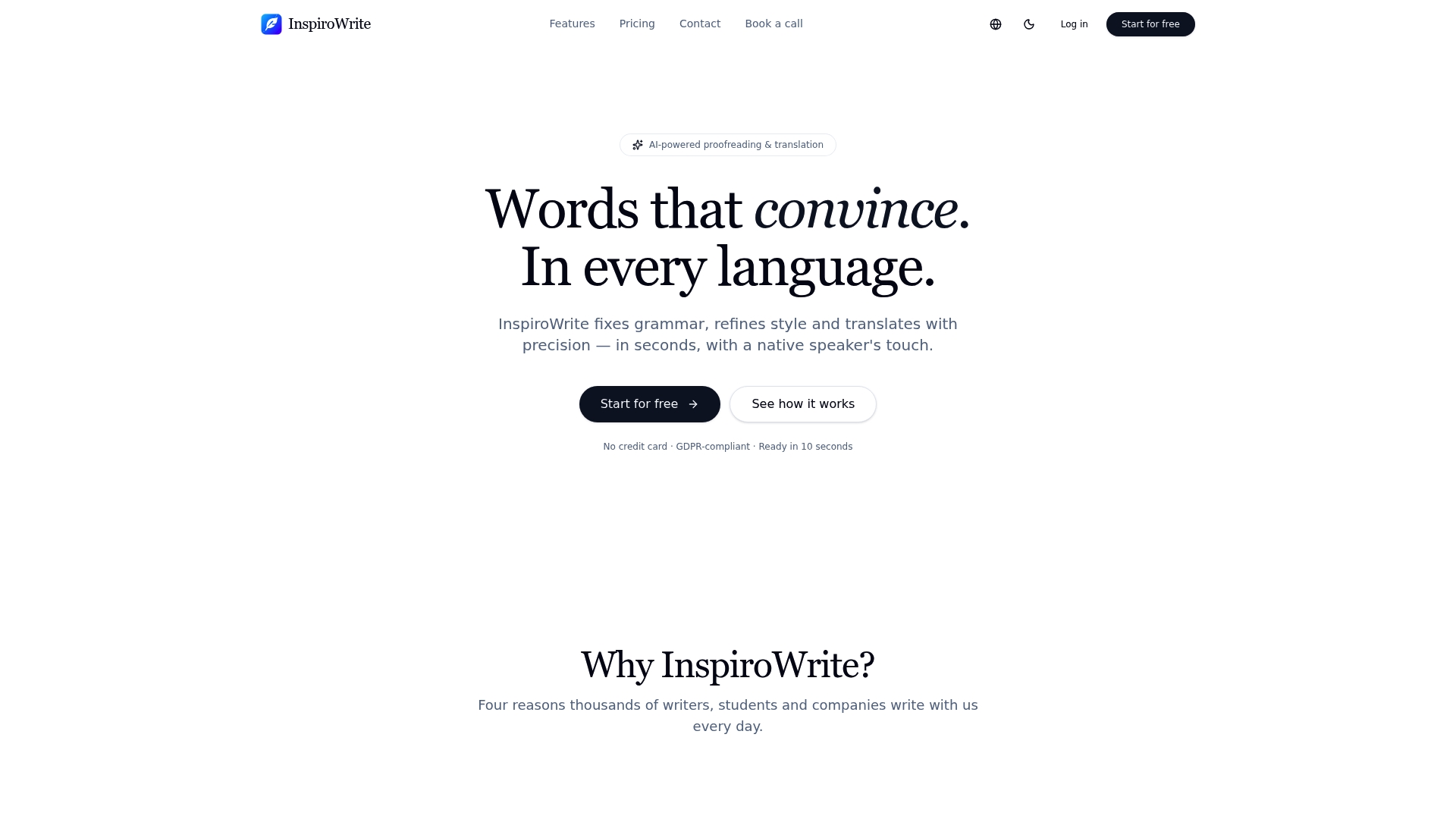
The free tier lets you test the tool against a real assignment before any institutional commitment. For procurement leads, the Inspirowrite privacy policy sets out the data-handling commitments in plain language — share it with your IT or compliance team as the first step in a formal pilot. Visit Inspirowrite to start.
Sources
- A randomized trial reporting AI-mediated feedback improves revision quality
- Meta-analysis of automated writing evaluation systems
- The role of AI-assisted writing feedback in developing secondary students' writing skills
- How effective is AI in giving writing feedback?
FAQ
Do private writing feedback tools actually improve student writing?
Yes, with caveats. Meta-analyses show a medium positive effect overall, with the strongest gains in mechanics and organisation; effects on higher-order skills are more variable and improve when teacher instruction accompanies the tool.
How do private feedback tools protect student data?
Reputable tools commit to no-training and no-data-retention policies, meaning student text is processed to generate feedback and not stored or used to improve AI models. Always verify this in the vendor contract before deployment.
Can AI writing feedback replace teacher marking?
No. AI feedback handles surface accuracy and structural consistency well, but it cannot reliably assess argument quality, voice, or creative intent. It works best as a first-pass diagnostic layer that frees teacher time for higher-order commentary.
What is the best way to introduce these tools in a classroom?
Start with a single assignment type, set a focused rubric of three or four criteria, and require students to submit a brief rationale for each revision decision. This structure prevents passive acceptance of suggestions and keeps the feedback pedagogically productive.
Is Inspirowrite suitable for institutional use?
Inspirowrite offers privacy-first processing that does not use submitted text for model training, multilingual support, and history tracking — features that align with common institutional requirements. Its privacy policy addresses data-handling commitments relevant to procurement review.