

Finding proofreading and translation software that delivers instant edits, strict privacy, and native integration with daily tools can be a struggle. Many mainstream options lock team features behind expensive upgrades, restrict language support, or require awkward copy and paste between tools. This comparison shows editing quality, privacy, device support, and price across four services so you can select a programme fit for your workflow and budget.
Table of contents
Inspirowrite
At a glance
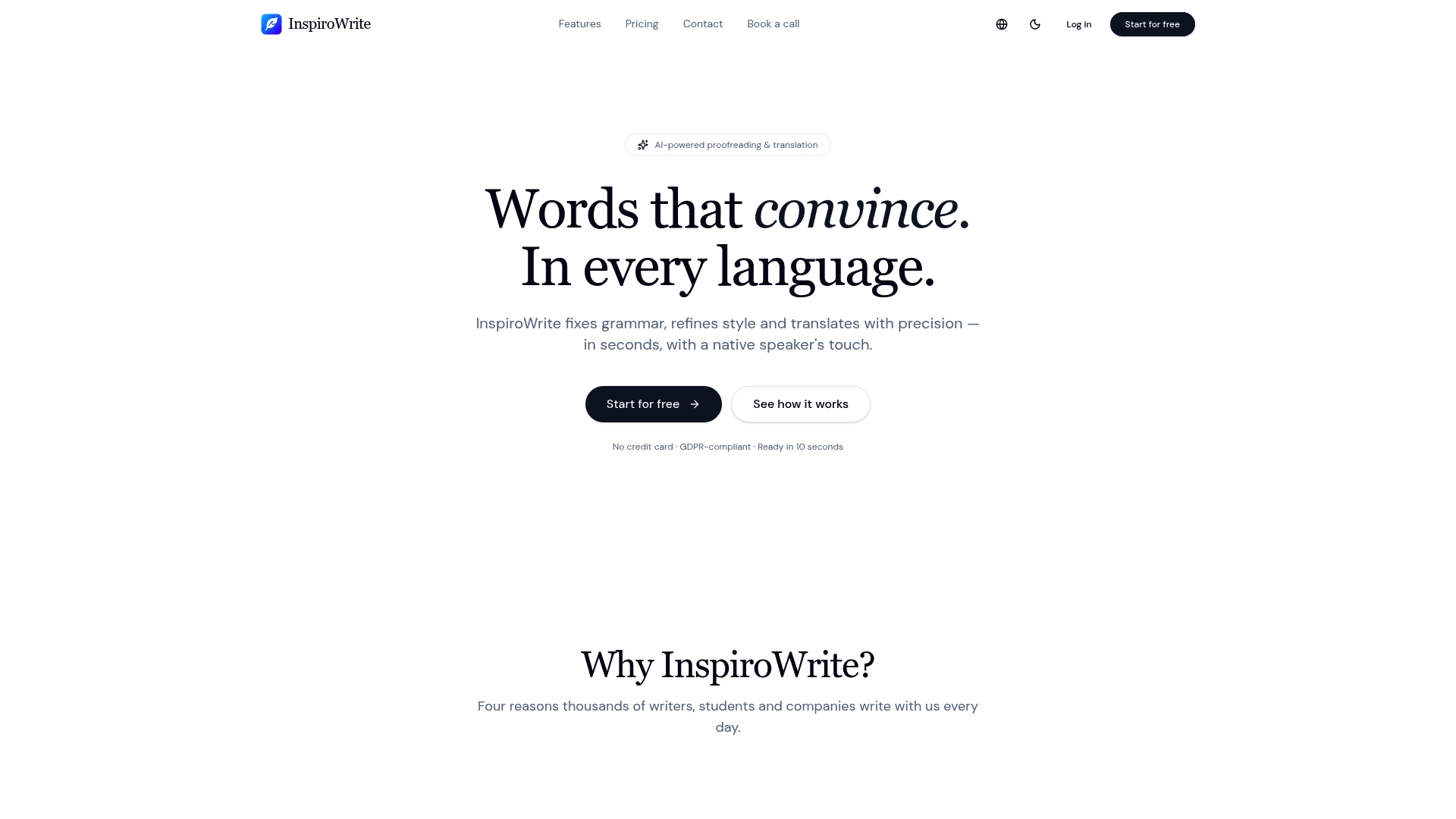
The vendor advertises lightning-fast streaming results in seconds. According to the company, user texts remain private and are not shared with third parties or used to train models. InspiroWrite pairs AI proofreading with translation across many languages and offers plans for individuals and teams.
Core features
InspiroWrite focuses on quick, private text editing and multilingual translation. It targets grammar, tone, and style while also handling language conversion. Team features and API access are available for professional workflows.
- AI proofreading for grammar, style, and tone.
- Multilingual translation covering German, English, French, Spanish, Hungarian, and more.
- Streaming results that return edits and translations in seconds, per the vendor claim.
- Flexible plans including Free, Pro, and Business with team management and API options.
- A privacy focused model that the company says keeps texts confidential.
Key differentiator
What sets InspiroWrite apart is support for many languages combined with rapid streaming AI output and a privacy focused policy. That mix makes it possible to get near instant edits and translated text while the company states user content remains private. This combination suits teams that need quick multilingual drafts without sharing raw copies externally.
Pros
-
Fast, real time proofreading and translation. You see suggested edits and translations almost immediately which shortens revision cycles.
-
Broad language and style support. The tool handles multiple European languages and offers style modes that fit different audiences.
-
Affordable individual pricing. The Pro tier targets solo writers and students with a modest monthly fee.
-
Business plans include team management and API access. That lets companies centralise accounts and connect InspiroWrite to document workflows.
-
Privacy focused approach. The vendor states it does not share user text with third parties and does not use it for model training, which suits sensitive drafts.
Cons
- API access and some enterprise features are only available via custom Business plans, so small teams may find those options costly.
Who it's for
Solo writers, students, and small teams will get the most from InspiroWrite. The product suits people who need fast proofreading and clear translations across multiple languages. Teams that value a privacy focused service while keeping costs predictable will find it relevant.
Unique value proposition
Pro starts at 4.99 €/month. That price point makes quick, private proofreading and translation accessible to individual users. Paired with the privacy claim above, this pricing reduces the need for extra legal arrangements when sharing drafts internally.
Real world use case
A marketing team prepares product descriptions for an international campaign. They run English copy through InspiroWrite, apply the suggested edits, then request translations into French and German. Team members share drafts inside the Business account while keeping source text private, and the API syncs final text with the content management system.
Pricing
There is a Free tier for basic use. Pro starts at 4.99 €/month for individual users. Business plans use custom pricing and include team management features and API access for company workflows.
Website: https://inspirowrite.com
Grammarly
At a glance
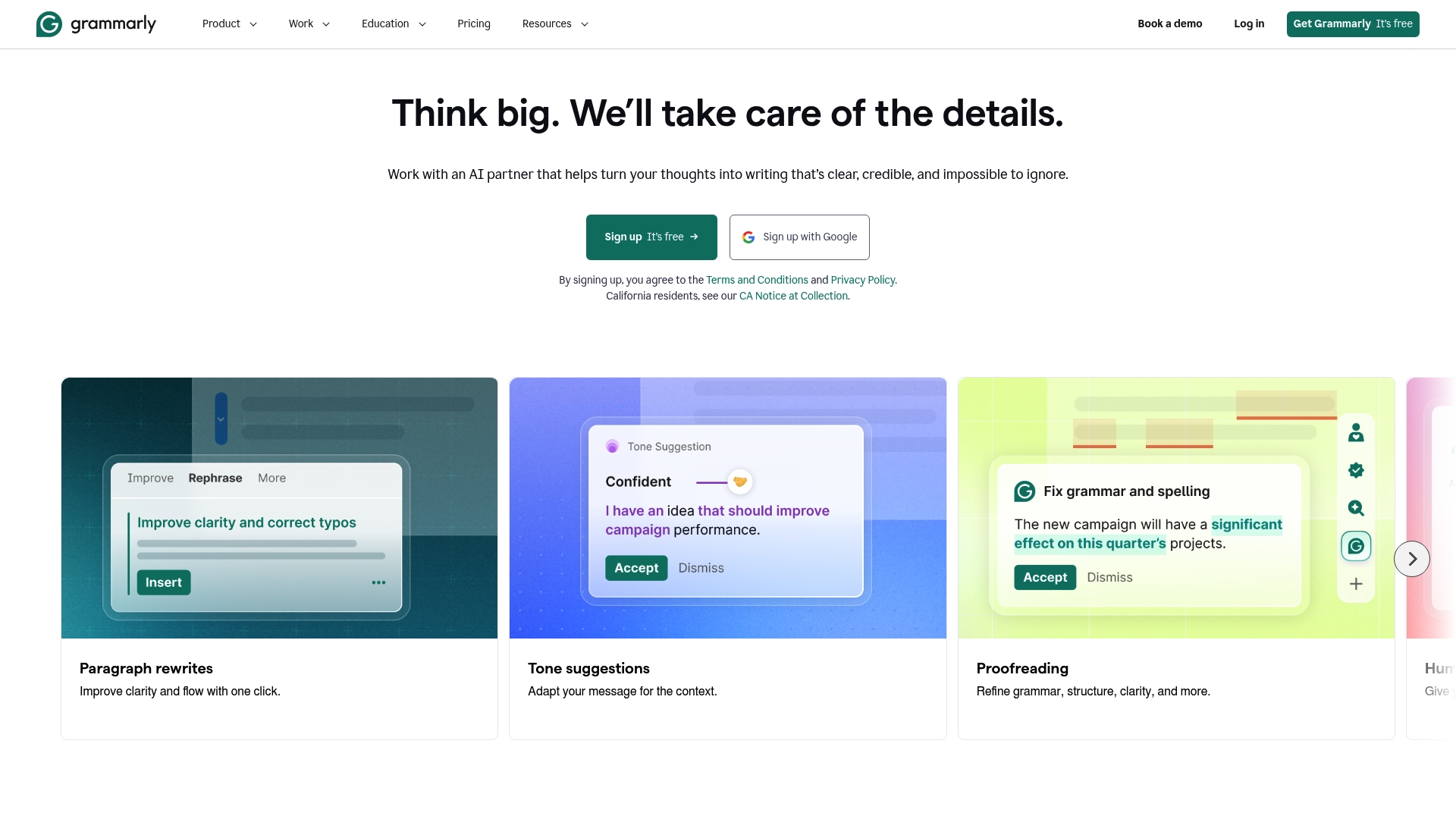
Style guide management for teams and organisations sits behind Grammarly's paid tiers. The product bundles full sentence rewrites, plagiarism detection, and tone analysis alongside everyday grammar fixes. That mix makes it more than a spell checker for users who manage brand voice across multiple writers.
Core features
- Real time grammar and spell check across browsers, desktop apps, and mobile devices.
- Tone and clarity suggestions that propose alternative phrasing and register adjustments.
- Full sentence rewrites to offer concise or expanded wording options.
- Plagiarism detection and style guide management for teams and organisations.
Key differentiator
Grammarly pairs contextual, AI driven suggestions with platform reach. The tool reads entire sentences and proposes rewrites rather than only flagging errors. That approach helps you match tone and consistency across email, documents, and web text while keeping the same interface.
Pros
-
Highly accurate grammar and spelling correction. The suggestions catch common and subtle grammar mistakes and speed up routine proofreading.
-
Useful tone and clarity adjustments. The system offers concrete rewrites and alternative phrasing to match formal or casual registers.
-
Strong multi platform reach. You can run checks in browsers, the desktop program, and mobile, so most writing workflows are covered.
-
Intuitive interface for new users. The editor surfaces key issues without overwhelming screen real estate, which shortens the learning curve.
-
Team features for organisations. Paid tiers include shared style settings and brand consistency controls for multiple writers.
Cons
-
Subscription and billing can feel opaque for some buyers. The product moves functionality into paid tiers, which prompts frequent upgrade prompts.
-
Free version includes aggressive upsell prompts. Those prompts appear in the editor and in-browser suggestions.
-
Judgement can be overly strict at times. The algorithm favours certain grammatical choices, which some writers find rigid.
-
Occasional lag during heavy use. Large documents or simultaneous edits can slow response times.
When it may not fit
If you need fully offline proofreading, Grammarly may be a poor match. Teams that require customised linguistic rules beyond the supplied style guide may find the platform limiting. If you want a minimalist tool with no in-app upsells, the free tier will feel intrusive.
Who it's for
Individuals, teams, and organisations that require faster, consistent writing quality will benefit. It suits professionals who send frequent email, draft proposals, or publish copy and who value guided rewrites and brand rules.
Real world use case
A sales executive drafts client emails and runs them through Grammarly before sending. The tool suggests a tonedown in jargon, tightens sentences, and applies the company style guide so every message reads consistently and professionally.
Pricing
Grammarly offers a free tier and paid plans labelled Pro and Enterprise. The Pro tier unlocks advanced suggestions and plagiarism checks. Enterprise adds team controls and style guide management for organisations.
Website: https://grammarly.com
Ginger software
At a glance
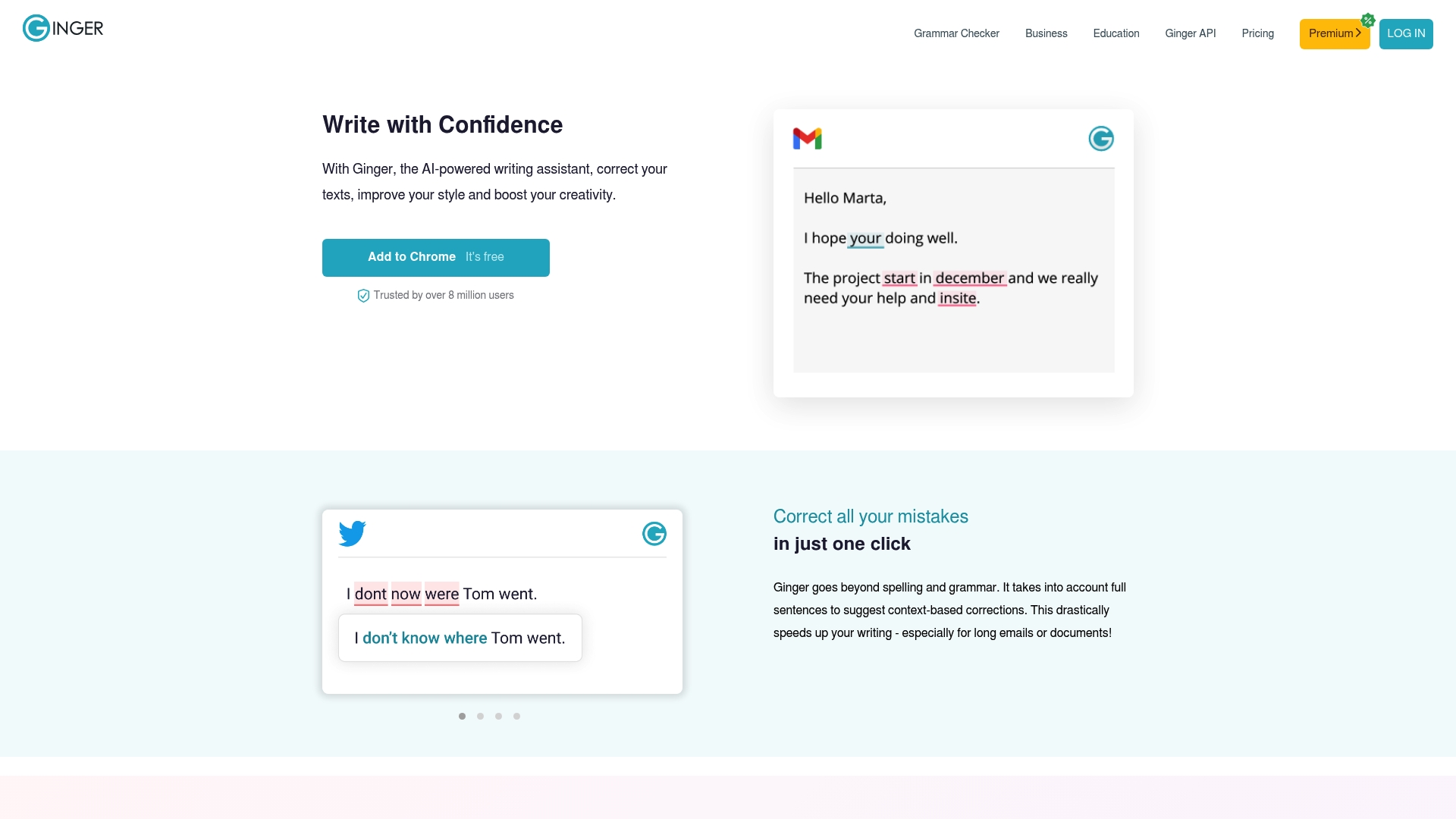
Ginger includes dyslexia support for spelling correction, a feature few mainstream writing assistants advertise. The tool gives real time grammar, punctuation, and rephrasing suggestions while you type across browsers, desktop apps, mobile apps, and Office. That combination makes it useful for learners who need on the spot corrections and explanations.
Core features
Ginger delivers a compact set of writing aids focused on English accuracy and fluency. It offers a Grammar Checker that flags sentence level errors and a Punctuation Checker that spots misplaced marks. The product also includes a Sentence Rephraser for alternative wording and a translation tool for quick language swaps. The spell checker is context aware and includes specialised support for dyslexia.
Key differentiator
Ginger advertises context aware corrections that analyse full sentences to produce style appropriate suggestions. That approach reduces isolated, confusing edits and gives replacements that fit the sentence tone. The same sentence based logic runs across its browser extension, desktop app, and mobile apps so suggestions remain consistent on different devices.
Pros
- Effective for basic to intermediate English correction. It catches common grammar errors and improves sentence flow.
- Helpful rephrasing suggestions and synonym options. These speed up drafting and reduce writer hesitation.
- Works across browsers, desktop, mobile, and Office add ins. You can use the same assistant while composing email, documents, or social posts.
- Suitable for learners and teams in education and small business. The dyslexia support and contextual spelling help make corrections easier to learn from.
- Provides real time suggestions in many writing environments. That reduces the need to copy text into a separate tool.
Cons
- Customer reviews report problems with billing and refunds and some users face difficulty with cancellations. These reports affect the support experience.
- Users have noted compatibility issues with Google Docs and certain enterprise platforms, which can interrupt workflows. That limits usefulness for teams relying on those systems.
- Some reviewers describe aggressive marketing or intrusive behaviour, which may frustrate privacy conscious users.
When it may not fit
If your team depends on flawless Google Docs integration, Ginger may cause friction due to reported compatibility problems. Organisations requiring enterprise ready support and refund clarity might find its customer service reports concerning. If you want a product with an explicitly documented enterprise compatibility list, this may not match your procurement needs.
Who it's for
Ginger suits English learners, students, educators, content creators, and small to medium sized businesses seeking an across device writing assistant. It matches users who prefer sentence level suggestions and want help learning from corrections. It fits teams that use email and Office apps rather than platforms with known integration issues.
Real world use case
A marketing team uses Ginger while drafting campaign emails and social copy to keep tone consistent and grammar clean. ESL students rely on the rephraser and context aware spelling to learn alternative sentence constructions. The combination of live feedback and translation speeds up editing without switching applications.
Pricing
Ginger uses a subscription model with several plans and regular promotional discounts. The vendor advertises both individual and premium options for teams and institutions. Check the website for current plan details and any trial offers.
Website: https://gingersoftware.com
Jetwriter AI
At a glance
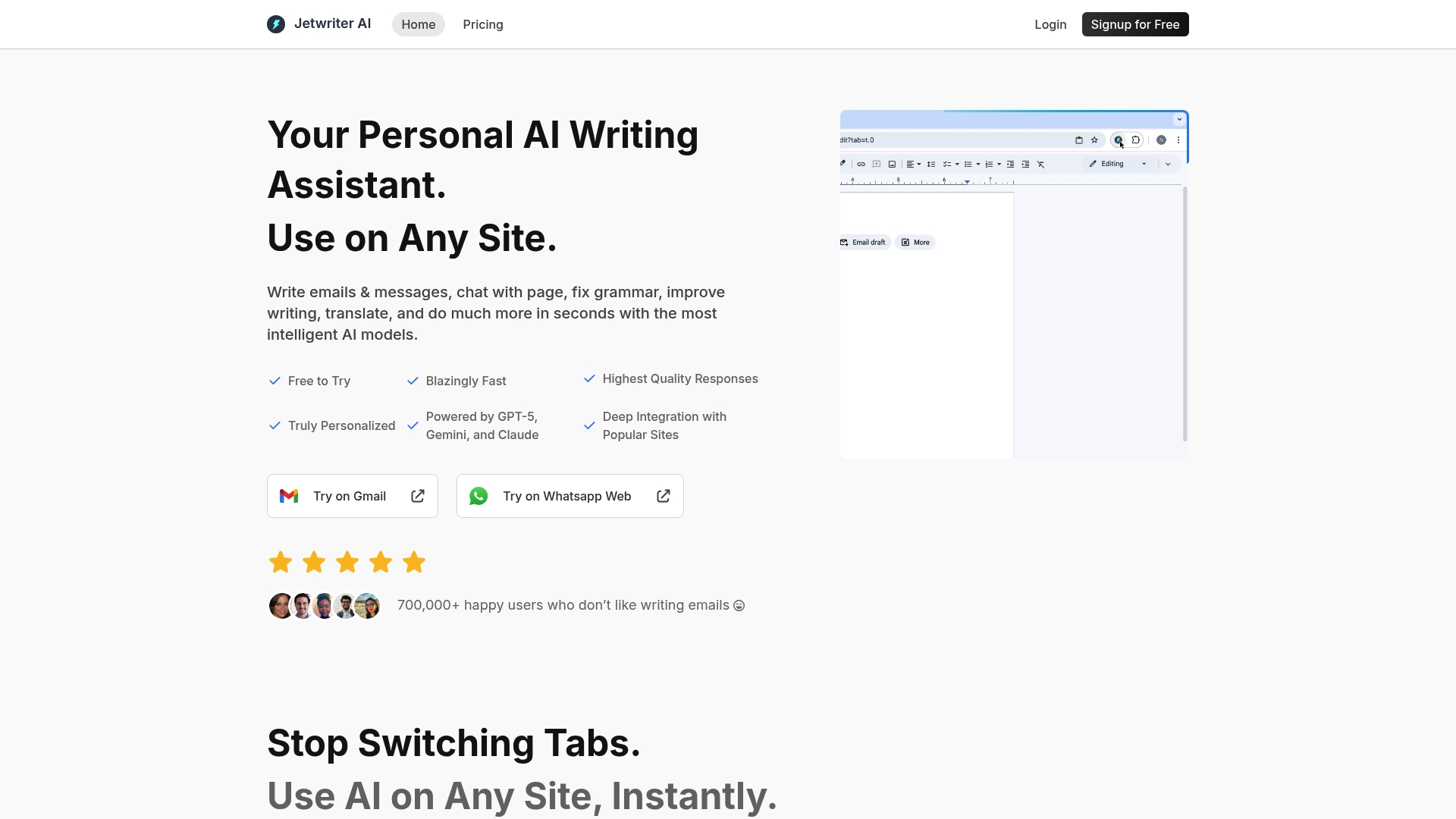
Jetwriter AI supports GPT-5, Gemini and Claude as selectable models while running directly inside Gmail, LinkedIn and Slack. The extension claims fast, context aware writing help across browsers and a web app for mobile. That focus makes it practical for users who write inside messaging and support interfaces rather than in standalone editors.
Core features
-
Deep integration with Gmail, Outlook, Slack, LinkedIn and customer support portals for in-place suggestions.
-
Select text on any page to fix grammar, translate, summarise or rephrase it.
-
Chat with webpages and documents in common formats using live web access for current answers.
-
Voice input for rapid prompts and a library of prompt templates for common tasks.
-
Switch between AI models and create personalised profiles and styles for tailored responses.
Key differentiator
Jetwriter AI centres on in‑context assistance inside communication and support tools. Its support for multiple advanced AI models lets you pick a model for tone, speed or capability. That makes it suited to teams who need responses where they already work rather than exporting text to a separate editor.
Pros
-
Lightweight and unobtrusive design. The extension sits inside pages and does not demand a separate workflow.
-
Strong rephrasing and tone checking. It helps polish messages quickly before you send them.
-
Deep platform integrations. Connecting to Gmail, LinkedIn and Zendesk reduces copy and paste.
-
Customisable model and style settings. You can change model choice and build persona like profiles for consistent voice.
-
Multi platform support including a web app for mobile and browsers that do not support the extension.
Cons
-
Limited independent review coverage. Third party analysis and audits remain sparse.
-
Some users report responsiveness issues or occasional integration glitches when working inside heavy webpages.
-
Reliant on the browser extension or web app. Compatibility and performance vary by browser and device.
When it may not fit
If you prioritise strict data privacy and no external API usage, Jetwriter AI may not be the right pick. Teams that need offline or local only processing will find the product unsuitable. Organisations needing widely audited tools should note the limited independent oversight.
Notable integrations
- Gmail
- Outlook
- Slack
- Zendesk
- Zoho
- Freshdesk
- WhatsApp Web
Who it's for
Solo professionals, marketing teams, customer support agents and content creators who write inside email, messaging or support tools. Jetwriter AI suits people who prefer suggestions inline instead of switching to a separate writing programme. It fits users who value model choice for tone and accuracy.
Real world use case
A marketing team uses Jetwriter AI to speed personalised email campaigns. Writers draft messages in Gmail and adjust tone and length directly in the compose window. The team swaps models for subject lines and body copy to test different styles quickly.
Pricing
Free to try with tiered plans. Paid options start at about $18 per month for the Elite tier. Annual pricing appears to offer a $29 per month equivalent and an Ultra tier is listed at $39 per month. Features and AI response levels vary by plan.
Website: https://jetwriter.ai
Comparison of alternatives
Selecting the right tool for proofreading and translation involves analysing aspects such as feature completeness, privacy focus, and tailored usage scenarios. InspiroWrite, Grammarly, Ginger Software, and Jetwriter AI each provide unique offerings suitable for varying user requirements.
Real-time processing versus platform integrations
InspiroWrite excels in delivering rapid proofreading and translation services with an emphasis on privacy, ideal for sensitive content. Jetwriter AI differentiates itself with deep integrations into commonly used platforms such as Gmail and LinkedIn, streamlining workflows for professionals engaged in online communication. While Grammarly's broad accessibility through desktop and mobile enhances its utility for remote teams, its real-time processing speed is slightly less competitive for immediate editing needs.
Educational features and learner support
Ginger Software includes features specifically aimed at enhancing educational experiences, including context-aware spelling and grammar suggestions alongside a sentence rephraser. These capabilities assist students or language learners in understanding complex sentence structures, offering additional value beyond standard proofreading. When compared to this emphasis on learning, Grammarly provides more corporate-oriented solutions such as style guide management favouring brand consistency, yet may lack the same supportive learner-oriented tools.
Best fit
- For users or small teams valuing speed and data privacy, InspiroWrite aligns well due to its privacy-centric processing and real-time results.
- Grammarly caters to larger organisations requiring collaborative editorial workflows with consistent style adherence across teams.
- Ginger Software stands out for educational purposes and English learning support, including tools for enhancing sentence understanding.
- Individuals prioritising integrated assistance across their email and messaging platforms will benefit most from Jetwriter AI's built-in functionalities.
Our pick
InspiroWrite prioritises fast multilingual proofreading while ensuring user data remains private, presenting a compelling option for individuals and small teams aiming to streamline their workflows. However, users heavily reliant on educational features or requiring thorough organisation-wide editorial control, as seen in Ginger Software and Grammarly respectively, might find those tools more aligned with their workflows.
To find a proofreading and translation software that balances real-time functionality with user-centric privacy, consider the following options:
| Product | Core Feature | Key Differentiator | Pricing | Limitation |
|---|---|---|---|---|
| Inspirowrite | Quick AI proofreading and multilingual translation | Privacy-focused and instant results | Free, Pro €4.99/month, Business custom | Advanced features in Business plans only |
| Grammarly | Grammar corrections and tone adjustments | Consists of contextual sentence rewrites | Free, Paid tiers available | Frequent upgrade prompts in Free version |
| Ginger Software | Dyslexia-friendly real-time corrections | Context-aware sentence-level suggestions | Subscription model, discounts available | Limited Google Docs compatibility |
| Jetwriter AI | In-context AI assistance within communication tools | Accessible AI model customisation | Free trial, Paid tiers $18–$39/month | Limited review coverage and browser reliance |
Discover reliable deepl.com alternatives with Inspirowrite
Writers and non-native speakers often face challenges with slow translations and worries about privacy when using translation tools. The article on deepl.com alternatives highlights these common frustrations such as accuracy concerns and slow processing times that can disrupt productivity. InspiroWrite tackles these pain points head-on by offering lightning-fast proofreading and translation that keeps your content fully confidential and untouched by training systems.
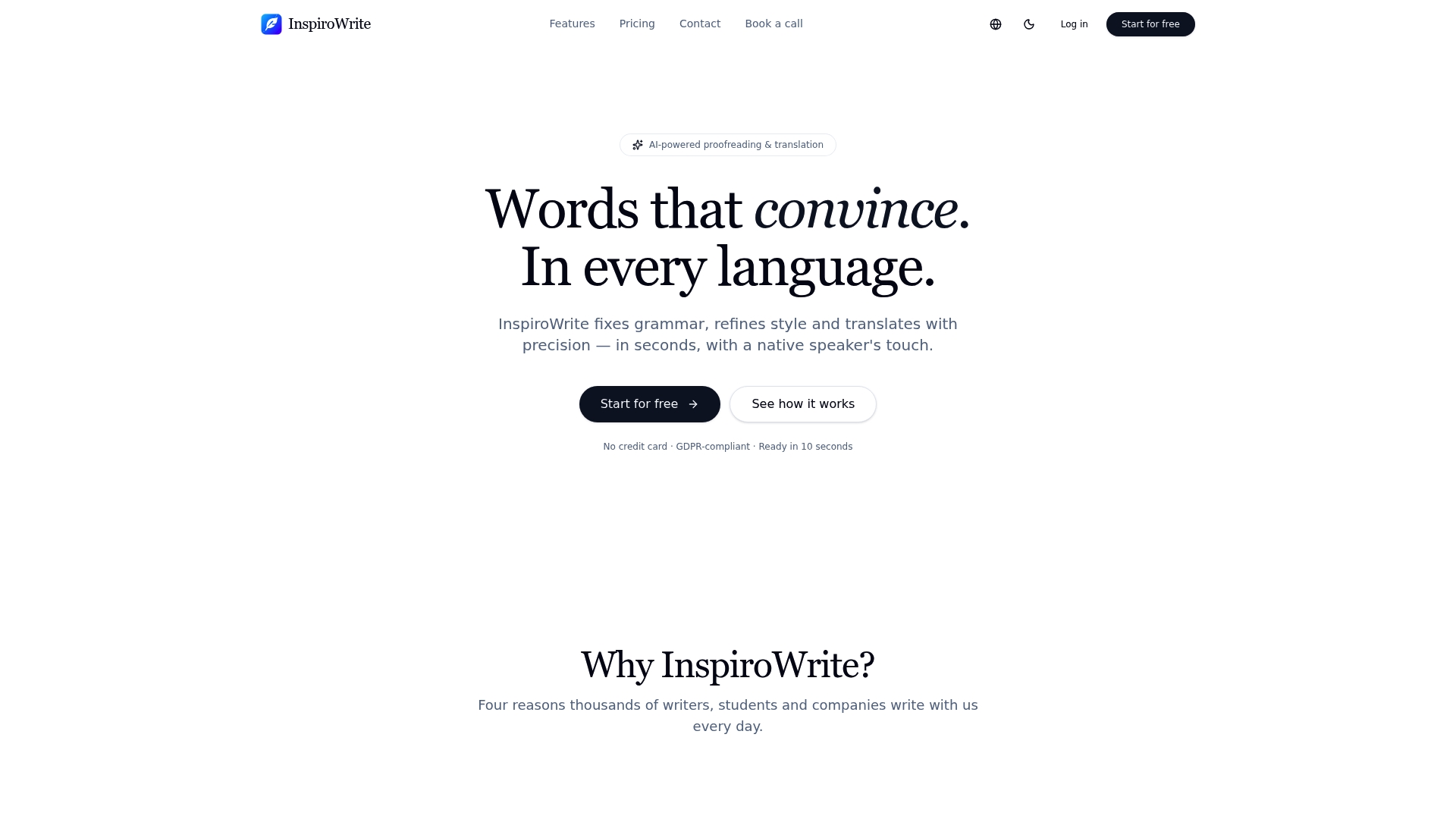
Choose InspiroWrite for rapid, secure text polishing in multiple languages. Whether you are a student needing quick grammar fixes or a business requiring immediate multilingual drafts, you will appreciate how easily you can improve your writing. Visit InspiroWrite homepage to experience near-instant results and keep your work private with confidence now.
FAQ
How does Inspirowrite handle multilingual translation?
Inspirowrite offers multilingual translation capabilities that cover many languages, including German, English, French, and Spanish. This feature enables users to translate text accurately while maintaining context and style during editing. Consider using Inspirowrite for quick proofreading and translations in your multilingual workflows.
What is the difference between Inspirowrite and grammarly in terms of features?
Grammarly stands out for its strong tone and clarity suggestions as well as full sentence rewrites, making it quite effective for maintaining brand voice across multiple writers. Inspirowrite, on the other hand, focuses on rapid proofreading and translation, which makes it ideal for those needing quick edits and language conversions. Depending on your specific needs, you might choose Grammarly for tone management or Inspirowrite for faster text adjustments and translations.
Which platform offers better pricing for individual users, Inspirowrite or ginger software?
Inspirowrite's Pro tier starts at 4.99 €/month, making it an affordable option for individual users in need of quick, private proofreading and translation. Ginger Software provides various subscription options, but may not offer the same level of cost-effectiveness specifically for individual use. Opt for Inspirowrite if you're looking for economic solutions for personal writing tasks.
Can i use Inspirowrite if i prioritise data privacy?
Yes, Inspirowrite is designed with a privacy-focused model, ensuring that user texts remain confidential and are not shared with third parties. This approach is particularly beneficial for users handling sensitive documents. If privacy is a top concern for you, Inspirowrite serves as a solid option for secure writing assistance.
How does inspirowrite's API support team management features?
Inspirowrite offers API access within its Business plans, allowing companies to centralise accounts and integrate the tool into their document workflows. This flexibility is especially useful for teams needing cohesive management of writing projects. Explore Inspirowrite's Business options if you're part of a team that values streamlined document processes.