

Confidential academic and professional drafts often require rapid, multi-language proofreading and translation that does not compromise privacy or delay turnaround. Many existing tools either restrict advanced features to paid plans, lack reliable privacy policies, or slow down with large documents and deep feedback, making them unsuitable for urgent, sensitive revisions. This comparison weighs speed, privacy claims, feature depth and price across top proofreading and translation platforms so you can match a solution to your workload and confidentiality needs.
Table of Contents
InspiroWrite
At a Glance
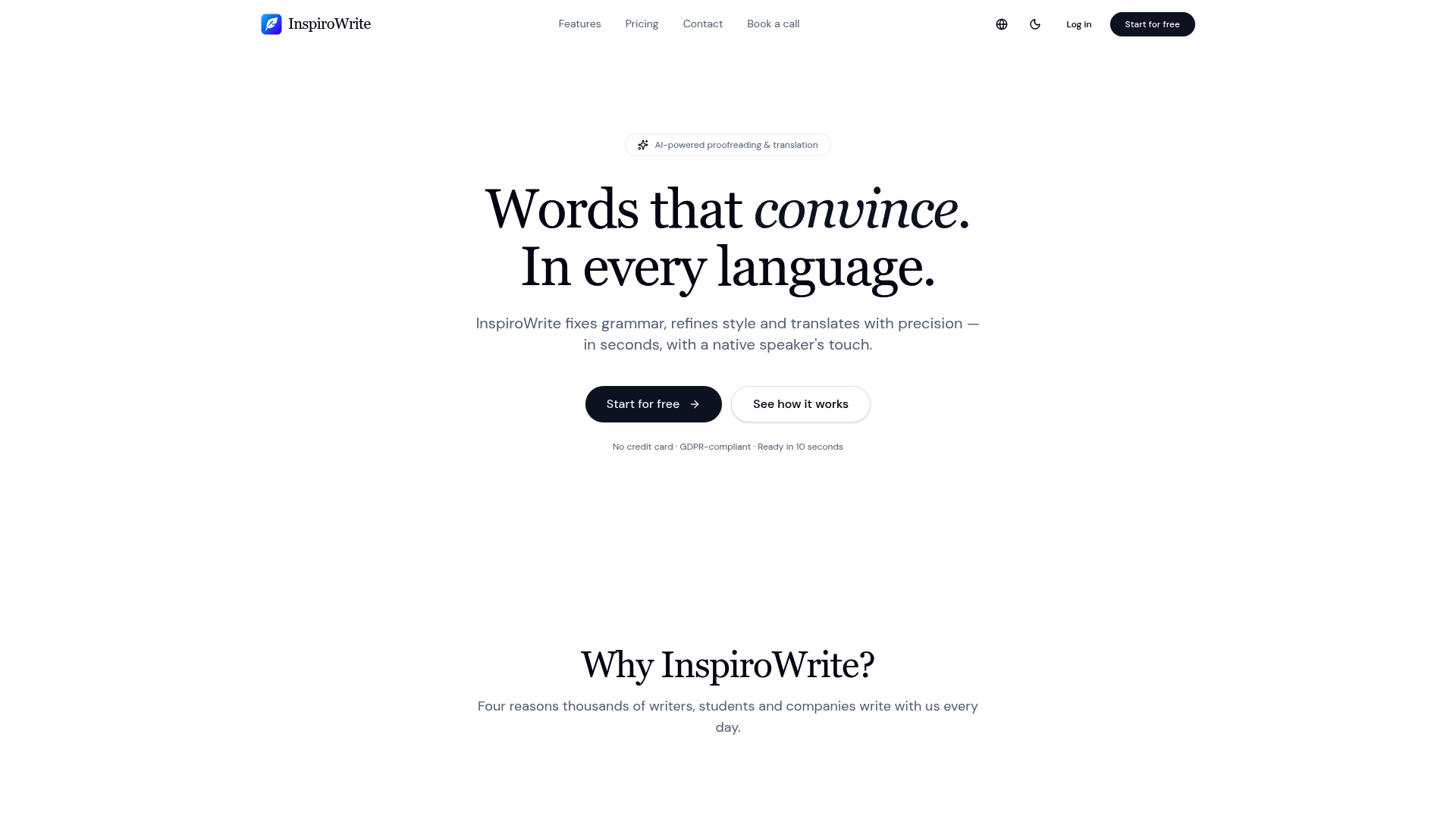
The vendor advertises lightning-fast streaming results and claims edits appear within seconds. InspiroWrite pairs that speed claim with a stated privacy posture that keeps submitted text confidential and prevents use for model training.
The product targets multi-language proofreading, translation and rewriting for quick turnarounds across German, English, French and Spanish.
Core Features
- AI proofreading for grammar, style and tone across multiple languages.
- Translation with support for several major languages and quick inline edits.
- Multiple editing modes such as formal, casual, SEO, rephrase, shorten and expand for different outcomes.
- Streaming output so you see suggestions as they arrive, and a privacy focus that the vendor highlights as preventing data sharing with third parties.
Key Differentiator
What separates InspiroWrite from several competitors is the pairing of streaming edits with a privacy-first stance. That speed claim above reduces waiting time for revisions while the privacy posture means you can run sensitive drafts through the tool without explicit reuse for model training, according to the vendor.
Pros
-
Fast, real-time editing that helps you iterate drafts in a few passes rather than long review cycles.
-
Wide language support that suits writers who publish for international audiences and need quick translations.
-
A free tier and a low-cost Pro plan make it accessible for solo writers and students on tight budgets.
-
High privacy standards claimed by the vendor, which is useful for confidential briefs, academic drafts or client work.
-
A flexible set of modes lets you switch from proofreading to SEO optimisation or shortening without leaving the editor.
Cons
- The tool may produce errors that require human review, especially for high-stakes content like legal, medical or published research.
Who It's For
Writers, students and small teams who need rapid proofreading and translation across several languages and prefer a tool that advertises both speed and a private data policy. It fits use cases where quick iteration beats the extra accuracy of a full human edit.
Unique Value Proposition
That speed claim above, combined with the stated privacy posture, changes how you handle drafts. You can run confidential copy through the editor for immediate improvements and then perform a targeted human review only for critical passages, saving time without exposing whole manuscripts to broad model training, as the vendor asserts.
Real World Use Case
A freelance writer proofreads an English article, applies the SEO mode, then streams a German translation to submit to a regional magazine. The process replaces two separate tools and shortens the turnaround from hours to minutes, while the writer keeps client material private according to the service claims.
Pricing
Free for basic use; Pro at 4,99 €/month for heavier personal use; Business plans require a custom quote. The free tier has character limits that may be restrictive for long documents.
Website: https://inspirowrite.com
ProWritingAid
At a Glance
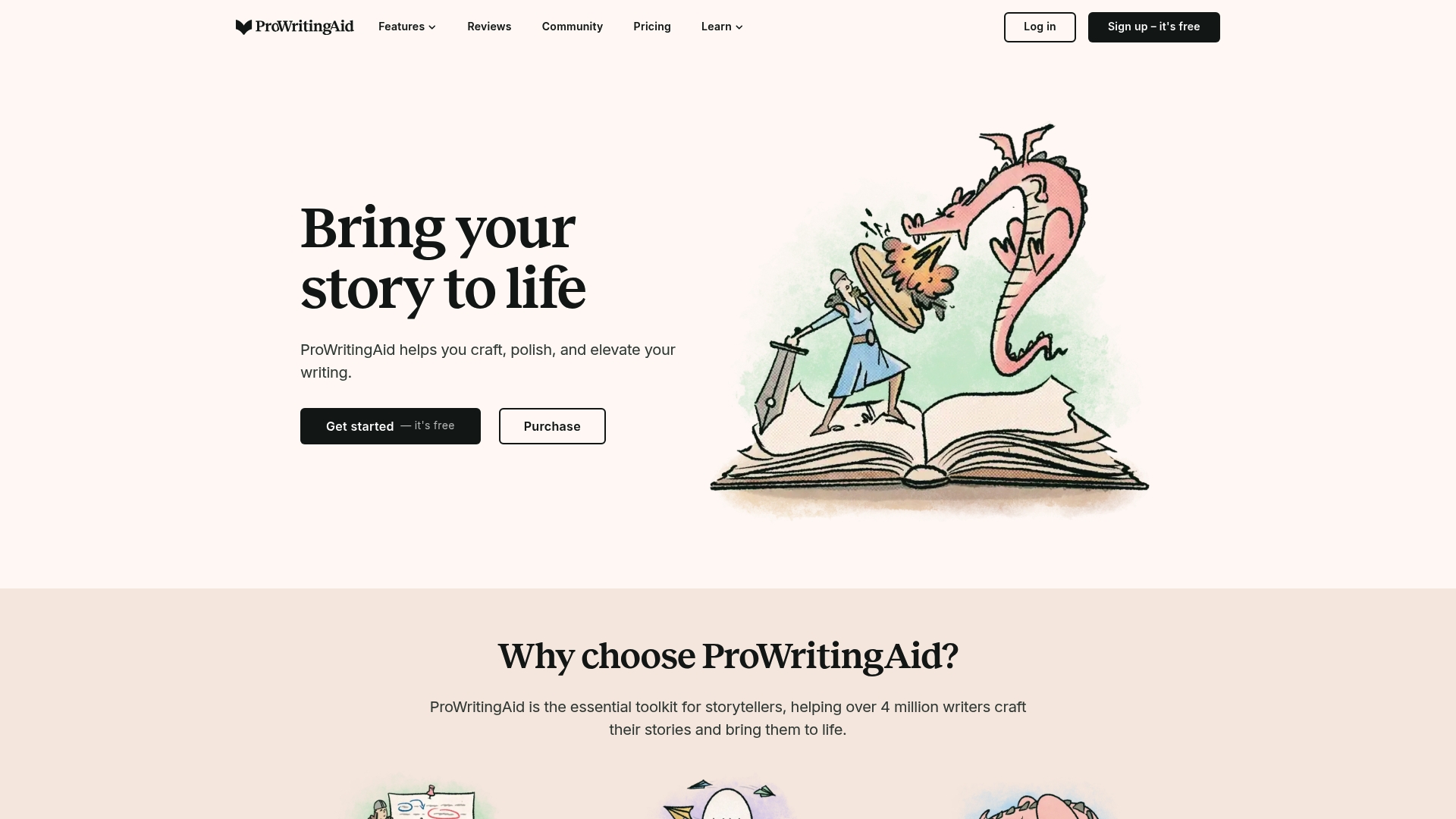
Manuscript and plot analysis, sensory detail reports and marketability checks are bundled into the same editor, so you can move from line-level grammar to story-level diagnostics without exporting files. That depth is aimed at fiction writers and serious editors rather than casual proofreading.
Core Features
- Deep-dive grammatical and stylistic analysis that flags repeated words, sentence length issues, and passive constructions.
- Customisable reports and dictionaries let you tune the rules to your voice or an editor's brief.
- Sensory reports, chapter critique and marketability checks highlight imagery, pacing and commercial readability.
- Browser extensions and app plugins let you use the tool inside Word, Google Docs and writing apps.
Key Differentiator
ProWritingAid stands out for the breadth of its analysis across both micro and macro levels of text. It combines sentence-level grammar checks with plot diagnostics and sensory metrics, which makes it unusually useful for authors who want one tool to review both prose craft and story structure.
Pros
- Provides methodical, detailed feedback aimed at fiction and longform writers rather than short-form social copy. The reports read like an editorial checklist.
- Extensive customisation lets you create style rules for a manuscript or a client and save bespoke dictionaries for character names and invented terms.
- Integrates inside common writing environments, so you can work in Microsoft Word, Google Docs or Scrivener without constant copy and paste.
- Supports full-length manuscript analysis, including per-chapter reports that help spot pacing and repetition across hundreds of pages.
- The vendor states a privacy posture that does not use user text for training, which matters if confidentiality is a priority.
Cons
- The interface can feel dense and overwhelming for new or casual users; expect a learning curve to get comfortable with all the reports.
- The free tier has strict word limits and omits advanced reports, so casual users may hit paywalls quickly.
- Premium plans are pricier than many grammar tools aimed at students or occasional writers.
- Large documents sometimes cause lag or performance slowdowns during deep analysis.
When It May Not Fit
If you need a light, fast grammar checker for occasional emails or short posts, this product is more tool than you require. If budget is tight and you only want spelling and basic grammar, cheaper alternatives will serve you better. Also avoid it if you expect instantaneous, real-time collaboration on long documents.
Notable Integrations
- Microsoft Word
- Google Docs
- Scrivener
- Chrome Extension
- Firefox Extension
- Edge Extension
Who It's For
Serious writers, novelists and editors who want granular control over style and story. It suits authors working on long manuscripts, students preparing dissertations and professional writers who need repeatable, custom rule sets.
Real World Use Case
An author ran a near-complete draft through the chapter critique and sensory reports to identify dull stretches and repeated imagery. The chapter-level feedback highlighted where pacing lagged and where sensory language could be strengthened before the next editorial pass.
Pricing
Offers a free version with word limits and paid tiers on monthly or annual plans. The vendor also sells lifetime licences for individual users, and paid plans remove limits and unlock the advanced reports used for manuscript diagnostics.
Website: https://prowritingaid.com
LanguageTool
At a Glance
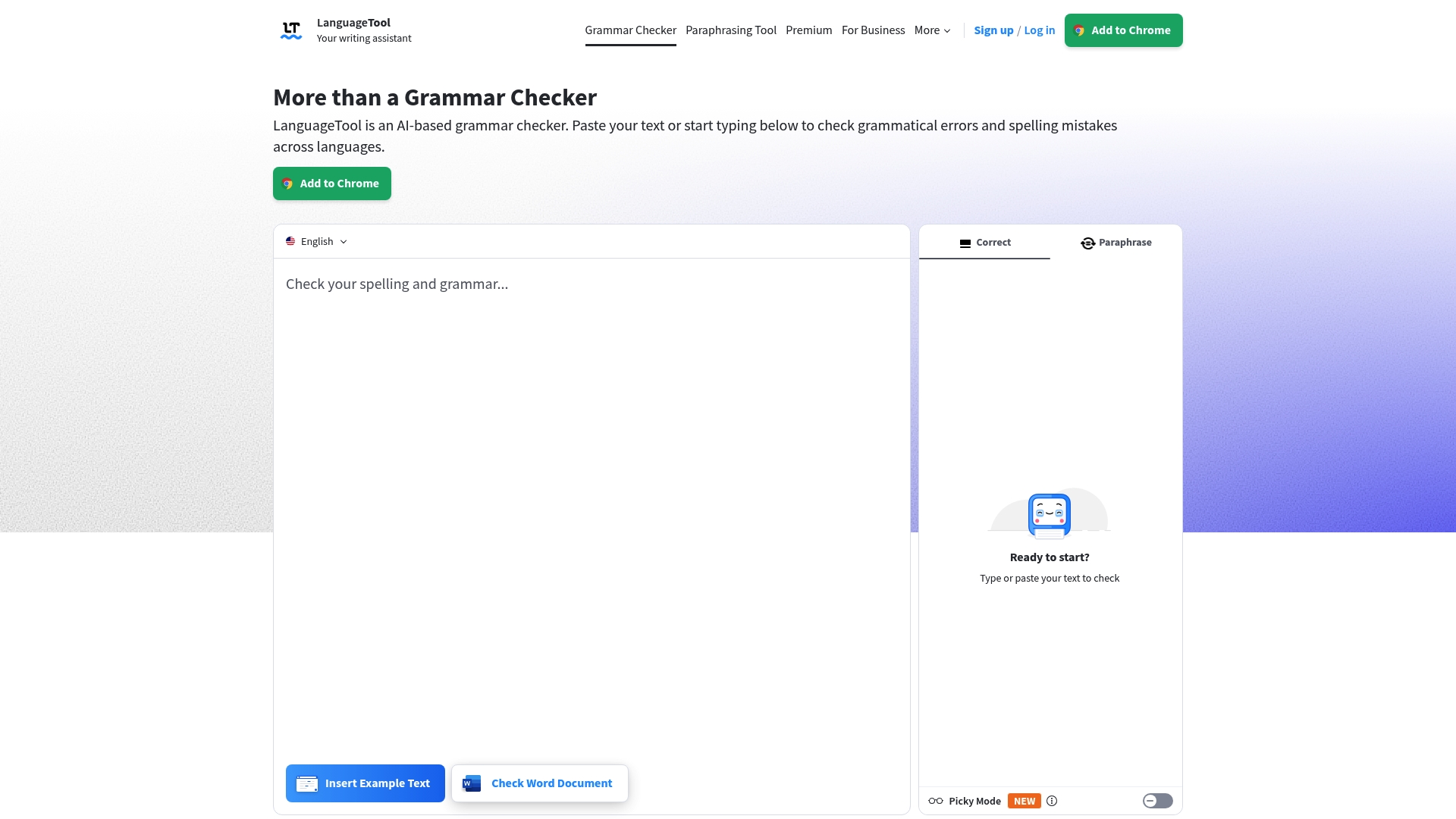
LanguageTool supports more than 30 languages and offers an open source core that can be customised or self hosted. It combines grammar, punctuation and style checks with paraphrasing suggestions across browsers, office apps and desktop clients.
Core Features
The editor provides AI based grammar, punctuation and style checks with context aware suggestions for multiple dialects of the same language. It also offers paraphrasing and stylistic rewrites to refine tone and clarity quickly.
Browser extensions and office plugins keep corrections available in Chrome, Firefox, Edge and Opera and inside Google Docs, Microsoft Word, LibreOffice and Apple Pages. Email add ons and desktop apps for Windows and macOS extend that reach so you can edit where you already work.
Key Differentiator
LanguageTool’s primary strength is its language breadth combined with customisation. The product emphasises support for dozens of languages and dialects while letting teams create customisable team dictionaries and style guides for consistent voice across documents.
This contrasts with InspiroWrite’s privacy and speed focus. LanguageTool is narrower in its pitch it targets multilingual editing and team style control rather than private, lightning fast proofreading for individual drafts.
Pros
-
Supports multilingual workflows well which makes it useful for international teams and writers working in more than one language.
-
Open source core allows community contributions and the option to run a private server for higher control over data and rules.
-
Integrations are widespread so suggestions remain consistent across browsers, office apps and email clients which reduces context switching.
-
The vendor reports it is trusted by over 20 million users which explains the extensive localisation and language rule coverage the product provides.
-
The interface gives clear, actionable suggestions for grammar, style and typography which speeds up editing rounds.
Cons
-
Support response times can be slow, particularly for free accounts which frustrates users who need quick help.
-
Advanced AI features and deeper configuration require time to learn and to tune for a team style guide which raises the onboarding bar.
-
Some users have reported billing problems such as unexpected auto renewals and that adds friction for account management.
When It May Not Fit
If you need instant, privacy first proofreading with guarantees that content will not be used for model training then LanguageTool may not align with your priorities. Likewise, teams that expect hands on vendor support inside hours may find response times inadequate.
Notable Integrations
- Browser extensions: Chrome, Firefox, Safari, Edge, Opera
- Office plugins: Microsoft Word, Google Docs, LibreOffice, Apple Pages
- Email add ons: Gmail, Outlook, Thunderbird, Apple Mail
- Desktop applications for Windows and macOS
Who It Suits Best
Multilingual writers, academic researchers and global marketing teams who need consistent language quality across campaigns will get the most value. It is also suitable for organisations that want to host rules on their own servers and create team specific style guides.
Real World Use Case
A global marketing team uses LanguageTool to keep campaign copy consistent across markets. Translators and copywriters work in the same documents and the team dictionary enforces brand terminology while plugins keep edits visible in the email client.
Pricing
A free tier covers basic corrections and limited usage. Premium plans lift usage limits and unlock advanced features and business controls; the vendor advertises subscription options for individuals and teams.
Website: https://languagetool.org
PaperCheck.ai
At a Glance
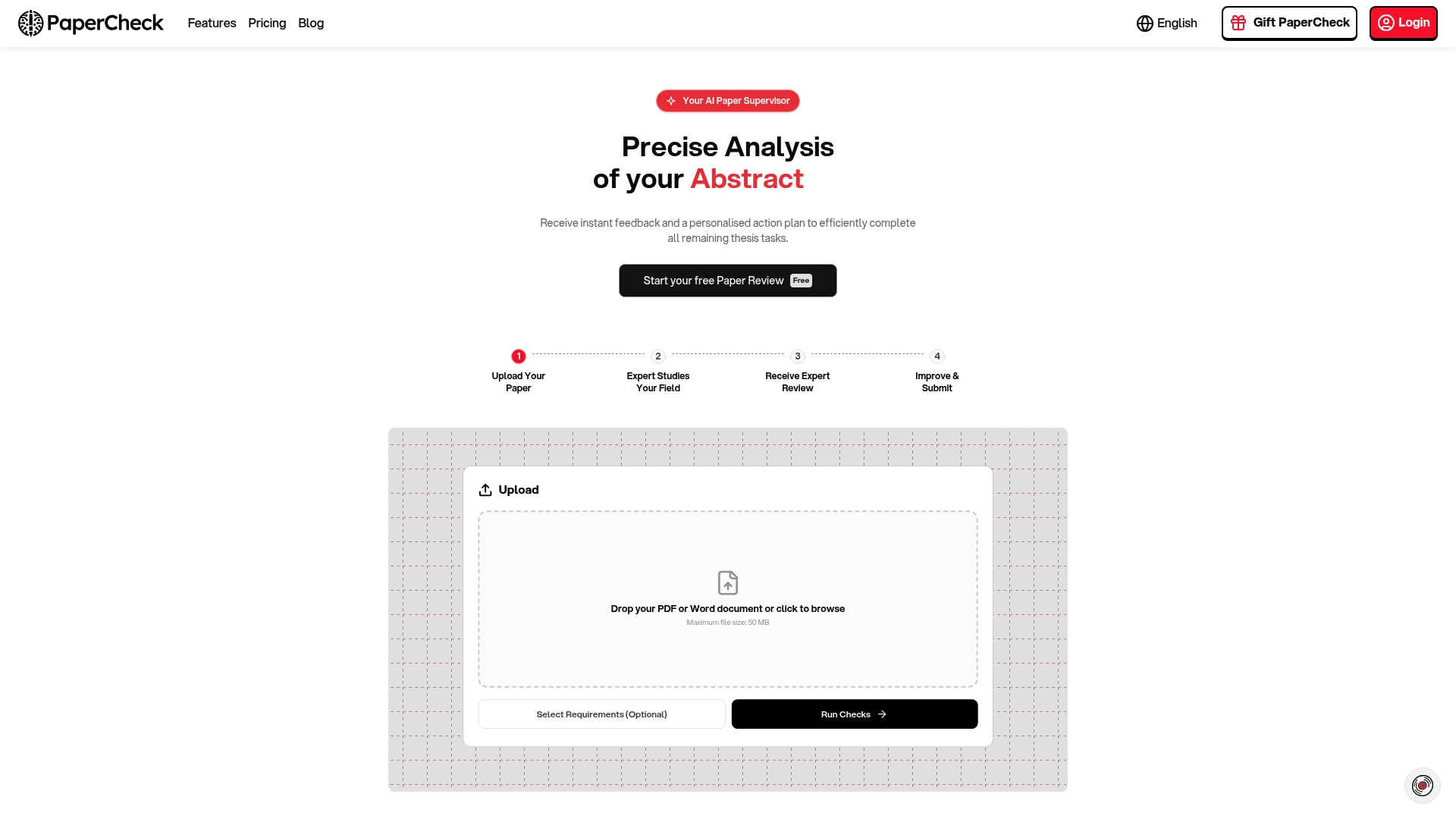
PaperCheck.ai advertises a ~3-minute feedback turnaround for academic drafts, a claim the vendor makes to emphasise speed. The service combines structured suggestions, plagiarism checks, and defence question prediction to help students polish theses and essays without hiring a human proofreader.
Core Features
AI-driven, structured critique that evaluates structure, argumentation, citations and language.
- AI-powered structured feedback gives an itemised list of revision tasks and suggested edits.
- Custom checks that align reviews with university or journal guidelines.
- Plagiarism detection and citation verification plus tools to generate likely defence questions.
Key Differentiator
What sets PaperCheck.ai apart is its focus on multi-dimensional academic analysis rather than surface grammar fixes. The vendor states plagiarism detection against billions of sources, and the platform returns an actionable to-do list rather than only inline edits. That combination aims at preparing drafts for submission and viva preparation.
Pros
-
Fast turnaround. The 3-minute claim above makes rapid iteration realistic when you need several revision passes before a deadline.
-
Multi-layered analysis highlights logical gaps and citation issues, not just grammar, so you get both stylistic fixes and structural critique.
-
Flexible payment. Credits-based plans and one-time packages let you pay for single reviews or buy bulk credits for term-long work.
-
Privacy posture. The product materials emphasise data privacy and do not rely on human proofreaders, appealing when draft confidentiality matters.
-
Defence preparation. The platform includes prompts and predicted defence questions that help you rehearse likely examiner queries.
Cons
-
Limited third-party validation. There are few external reviews on major platforms, which makes independent credibility harder to verify.
-
No feedback on images. The tool does not assess figures or graphics, so methodology sections with complex charts need a separate check.
-
AI-only review may miss nuanced disciplinary conventions that an experienced supervisor or copy-editor would catch.
When It May Not Fit
If your submission relies heavily on figures, diagrams or formatted tables you will need an additional human check because the platform lacks image feedback. If your department requires independent third-party endorsements or established reviewer reputations the limited external validation could be problematic.
Who It's For
Postgraduate students, senior undergraduates and researchers who want rapid, structured critique of written arguments and citations. It suits those who can act on AI suggestions and who value quick iteration over an in-depth human edit.
Real World Use Case
A graduate student uploads a thesis draft, runs the custom checks aligned to their university guide, and receives a task list highlighting weak argument links and unverified citations. They use the defence question prompts to run a short mock viva before submission, saving time and focusing revision work.
Pricing
Plans start at $34 for basic reviews and scale to $119 for the Ultimate package. Payment can be one-off credits or monthly credit bundles, which makes the tool workable for single submissions or sustained term use.
Website: https://papercheck.ai
<scratchpad> **Competitor eligibility:** - Excluded products (discontinued / inaccessible / under construction): none - Usable competitors remaining: InspiroWrite, ProWritingAid, LanguageTool, PaperCheck.aiIntro pre-write:
- Does inspirowrite.com clearly outpace every usable competitor on a single dimension? YES
- If YES: dimension where inspirowrite.com wins — Speed and real-time editing capabilities
- First sentence draft: "When evaluating leading proofreading and translation tools, InspiroWrite distinguishes itself through its real-time feedback functionality, facilitating a swift and efficient editing process."
Competitor win pre-write:
- Which competitor wins which dimension: ProWritingAid wins depth of analysis because it offers chapter-level critiques and sensory detail diagnostics.
- Does this dimension matter to the primary reader? YES
Best Fit uniqueness check:
- List each bullet scenario in one clause: [Seeking fast real-time editing capabilities] / [Requiring manuscript and story structure analysis] / [Working in multilingual environments or team-based collaborative editing]
- Can any two be swapped without changing meaning? NO
Our Pick pre-write:
- The ONE capability unique to inspirowrite.com in this set: Real-time streaming edits combined with privacy-first guarantees
- Evidence from the reviews: "Fast, real-time editing that helps you iterate drafts in a few passes rather than long review cycles."
- Closing sentence draft: "In cases where uninterrupted, real-time assistance and assurance of data confidentiality are, InspiroWrite delivers convenience."
- Substitution test: "In cases where uninterrupted assistance and in-depth narrative critique are, ProWritingAid delivers convenience."
- Does the substituted version still work as a recommendation? NO </scratchpad>
{"text":"## Comparing Leading Proofreading and Translation Tools
When evaluating leading proofreading and translation tools, InspiroWrite distinguishes itself through its real-time feedback functionality, facilitating a swift and efficient editing process. However, the choice of tool heavily depends on the user's specific requirements and priorities.
Trait-Specific Performance
Speed and Privacy Versus Analysis Depth While InspiroWrite prioritises rapid, real-time editing with a declared commitment to user data privacy, ProWritingAid emphasises manuscript diagnostics. Unlike InspiroWrite, which focuses on quick iterations suitable for shorter or iterative drafts, ProWritingAid provides granular detail like chapter pacing, sensory language usage, and structure critiques, catering particularly to novelists and academics. For users valuing detail over immediacy, ProWritingAid represents a compelling choice.
Customisation Options for Broad Applications LanguageTool stands apart with its extensive support for over 30 languages and customisable team style guides. This breadth makes it particularly advantageous in multilingual team settings, contrasting with InspiroWrite's focus on a selective language set but faster processing claims. Professionals seeking collaborative tools that unify editing styles across languages may find LanguageTool an ideal solution.
Best Fit Scenarios
- InspiroWrite excels for individuals needing rapid, private editing and translation between major languages for professional or academic drafts.
- ProWritingAid is best for authors seeking manuscript-level feedback and stylistic recommendations to enhance narrative and storytelling.
- LanguageTool wins for organisations requiring multilingual editing capabilities customised for consistent team outputs.
- PaperCheck.ai provides unique advantages for academics needing structured suggestions and plagiarism checks for thesis preparation, often under time constraints.
Our Pick
For scenarios where fast, iterative editing and strict data privacy are critical—such as handling sensitive business reports or guaranteeing that revisions occur in real-time—InspiroWrite proves the tool of choice. However, users with complex narratives to refine or multilingual collaboration needs should explore the specialised capabilities of ProWritingAid and LanguageTool, respectively."}
Proofreading and Translation Software Comparison
When selecting a platform for fast, reliable proofreading and translation, consider these tools' standout features.
| Product Name | Key Features | Best For | Pricing | Notable Limitation |
|---|---|---|---|---|
| InspiroWrite | AI proofreading, multi-language support, quick outputs | Writers requiring private, fast revisions | Free tier, Pro at 4.99 €/month, Business custom quotes | May require human review for high-stakes content |
| ProWritingAid | Comprehensive feedback, custom reports, manuscript tools | Fiction writers needing in-depth reviews | Free version with word limits, paid lifetime licences | Interface can be overwhelming for new users |
| LanguageTool | Extensive language and dialect support, customisation | Teams needing consistent multilanguage edits | Free tier, subscriptions for advanced features | Advanced tools require time for team adoption |
| PaperCheck.ai | Structured academic analysis, 3-min turnaround | Students refining academic manuscripts | Plans from $34 to $119 | Limited external validation and no graphical content assessment |
Discover Faster and Confidential Proofreading with InspiroWrite
Writers and non-native English speakers searching for effective onehourproofreading.com alternatives often face slow turnaround times and worries about privacy. InspiroWrite tackles these challenges head-on by offering instant proofreading and translation results without compromising your confidentiality. Its unique approach ensures your text is never used for AI training, making it ideal for sensitive drafts and client projects.
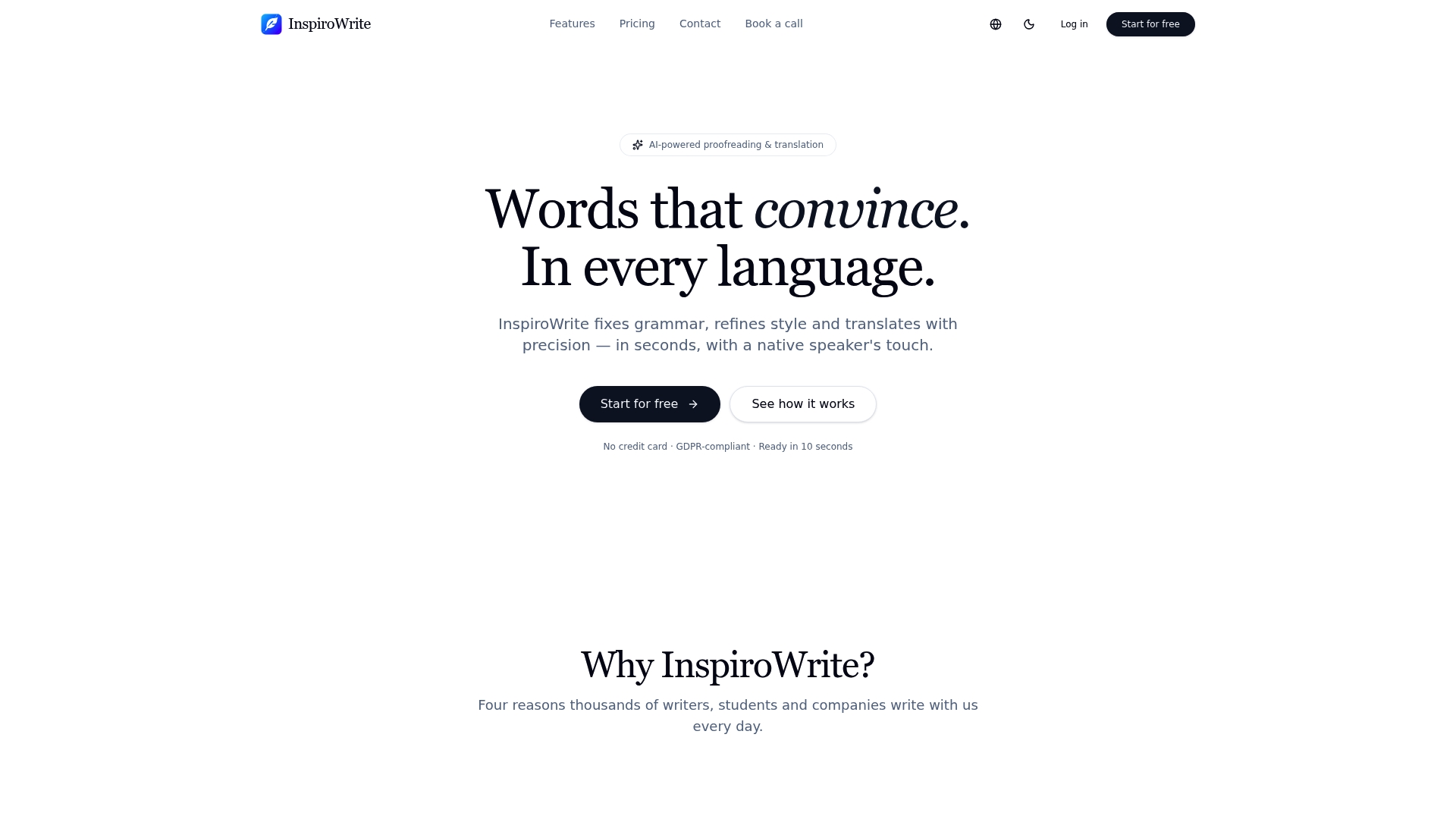
Experience proofreading that matches your pace while safeguarding your work. Visit InspiroWrite now to see how quick and private text improvement can be. Submit your text today and receive actionable edits in seconds to polish your writing with confidence.
Frequently Asked Questions
How does InspiroWrite perform in multi-language proofreading compared to onehourproofreading.com?
Inspirowrite excels in multi-language proofreading by providing AI proofreading for grammar, style and tone across German, English, French and Spanish. The tool advertises fast, real-time editing which enables users to iterate drafts quickly without long review cycles. Writers needing multi-language support should consider InspiroWrite for its speed and versatility.
What is the difference between InspiroWrite and ProWritingAid in terms of editing features?
ProWritingAid offers deep-dive grammatical and stylistic analysis, making it particularly useful for fiction writers and serious editors who require extensive feedback on sentence-level issues and story structure. On the other hand, InspiroWrite’s focus is on rapid proofreading and translation, ideal for users who prioritise speed over in-depth narrative analysis. Choose InspiroWrite if you're looking for quick, iterative editing and feedback.
Can I use InspiroWrite if I require a strict privacy policy for my drafts?
Inspirowrite is particularly suitable if privacy is a concern, as it emphasises a privacy posture that prevents data sharing with third parties. This feature allows users to run sensitive drafts through the tool without the risk of their content being reused in model training. Writers handling confidential material should feel secure using InspiroWrite for their proofreading needs.
Does LanguageTool offer similar features to InspiroWrite in terms of multilingual support?
LanguageTool offers comprehensive multilingual support, covering over 30 languages, which can be advantageous for international teams or multilingual writers. While InspiroWrite focuses on rapid, individual draft proofreading, LanguageTool excels in providing customisable team dictionaries and style guides for a cohesive voice across documents. Writers should choose based on whether they need individual speed or team-level control.
How does pricing for InspiroWrite compare with PaperCheck.ai and what does it offer?
Inspirowrite has a free tier for basic use and a low-cost Pro plan at 4.99 €/month for heavier personal use, making it accessible for students and solo writers. In contrast, PaperCheck.ai starts its plans at $34 for basic reviews, which can be more expensive for single-use cases. For users looking for budget-friendly options, InspiroWrite provides flexible, low-cost solutions.