

Finding proofreading and translation software that matches eangel.me for speed, language range, and privacy is more difficult than most professionals expect. Many competitors lock key features behind paywalls, limit supported languages, or do not state clear data privacy terms. This comparison gives professionals and teams the facts on price, language coverage, and privacy for five real eangel.me competitors so picking the right one does not require a trial.
Table of Contents
InspiroWrite
At a Glance
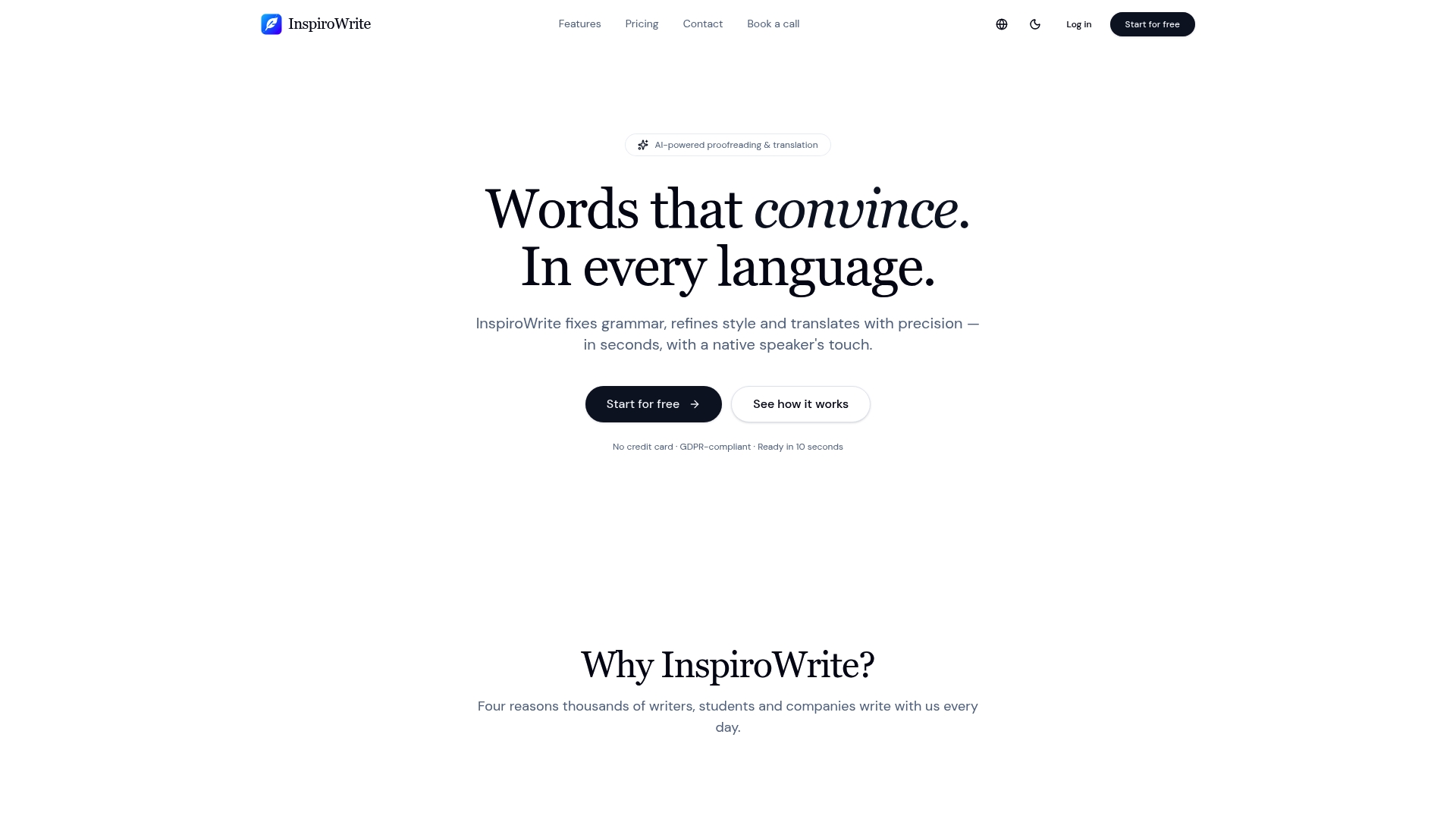
The vendor advertises proofreading and translation results in seconds. InspiroWrite pairs fast AI editing with multi language support for German, English, French, Spanish, and Hungarian. The service offers free, pro, and custom business plans for individual and team use.
Core Features
InspiroWrite runs AI checks for grammar, style, tone, and provides modes to proofread, translate, rephrase, shorten, expand, and switch tone between formal and casual. It returns streaming results so you can see edits as they appear while you work. The product keeps a privacy first stance and supports team collaboration plus API access for enterprise accounts.
Key Differentiator
High speed across many languages combined with a privacy first policy defines the product. The simple tiered pricing model includes a free option and a low cost Pro tier for individuals. That mix suits writers and small teams who need quick multilingual edits without complex setup.
Pros
The tool delivers fast, accurate proofreading and translation across several languages and editing modes. The vendor states GDPR compliance, which helps teams with European data rules. Team collaboration and API access let organisations fold the service into content workflows without extra tooling.
Cons
- Business pricing is customised and not transparent upfront, which may frustrate small teams seeking fixed costs.
Who It's For
Writers and students who want immediate feedback on drafts and translations will find the speed helpful. Marketing teams and content creators needing multilingual edits can cut review cycles. Small companies that value privacy and want simple subscription tiers will also benefit.
Unique Value Proposition
According to the company, submitted text is not used to train models. That claim means organisations handling confidential drafts can edit and translate without adding another vendor that reuses content. For teams this reduces the need to run separate private review processes and keeps the edit loop in one place.
Real World Use Case
A marketing team proofreads and translates campaign copy into several languages with InspiroWrite before launch. The team sees near immediate edits, turns translations around faster, and keeps drafts off public model training. The result is quicker publishing while retaining internal control of content.
Pricing
A free tier exists for casual use. Pro costs €4.99/month for individual users. Business plans are available by custom quote for teams that need API access or centralised billing.
Website: https://inspirowrite.com
Grammarly
At a Glance
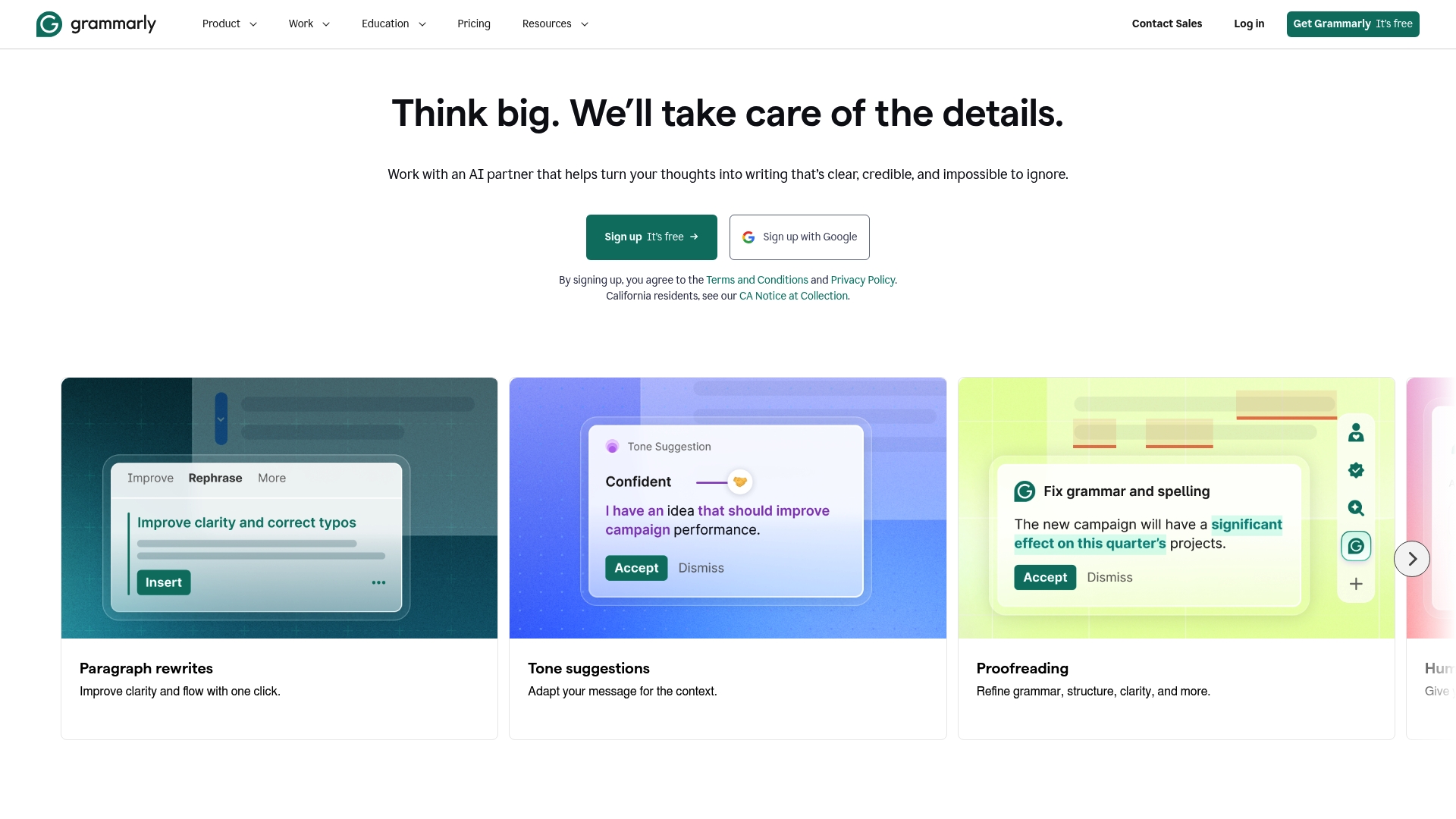
Grammarly reports it is trusted by over 50,000 organisations and 40 million users worldwide. The product offers grammar checking, tone detection, plagiarism detection, and AI based suggestions across browsers, desktop apps, and mobile. The vendor emphasises responsible AI practices and data security such as data loss prevention.
Core Features
Grammarly combines grammar checking and correction with tone detection and style suggestions so you can adjust formality and clarity quickly. The service includes plagiarism detection and business features such as style guide and snippets management for teams. These features appear across browser extensions, desktop, and mobile, which keeps the same suggestions available wherever you write.
Key Differentiator
Grammarly integrates AI based writing suggestions across multiple platforms while emphasizing responsible AI and security. That focus makes it suitable for organisations that must manage data risk alongside writing quality. The platform pairs standard checks with business controls for snippets and style guide management.
Pros
Grammarly delivers accurate grammar and style suggestions and supports a wide set of platforms, which reduces friction when editing on different devices. Its AI based tools include tone detection, paraphrasing, and plagiarism detection, which helps teams keep copy consistent and original. The company positions itself for organisations and educational institutions and highlights data security and responsible AI as priority areas.
Cons
- Some third party reviews report the interface can feel complex or cluttered for new users.
- Premium capabilities require a subscription, which may be costly for solo writers on a tight budget.
- The tool sometimes returns false positives or suggestions that do not match a specialised or creative style.
When It May Not Fit
Grammarly does not replace professional editing for highly specialised or technical manuscripts. Teams needing in depth subject matter editing will still require human editors. Writers who prefer minimal intervention may find automated suggestions intrusive.
Who It's For
Grammarly targets individuals, teams, and organisations that need consistent writing quality across channels. It suits professionals, students, and content teams that want automated checks for grammar, tone, and plagiarism. Institutions that require central style management and data controls will find the business features relevant.
Real World Use Case
A marketing team uses Grammarly to keep campaign emails clear and aligned with brand tone. The team applies the style guide and snippets to speed up copy creation and reduce revision cycles. That workflow cuts manual proofreading time and helps maintain consistent voice across messages.
Pricing
Grammarly offers a free tier alongside Pro at $12 USD per member per month billed annually. Enterprise pricing is available on contact for larger organisations and custom contracts.
Website: https://grammarly.com
Writefull
At a Glance
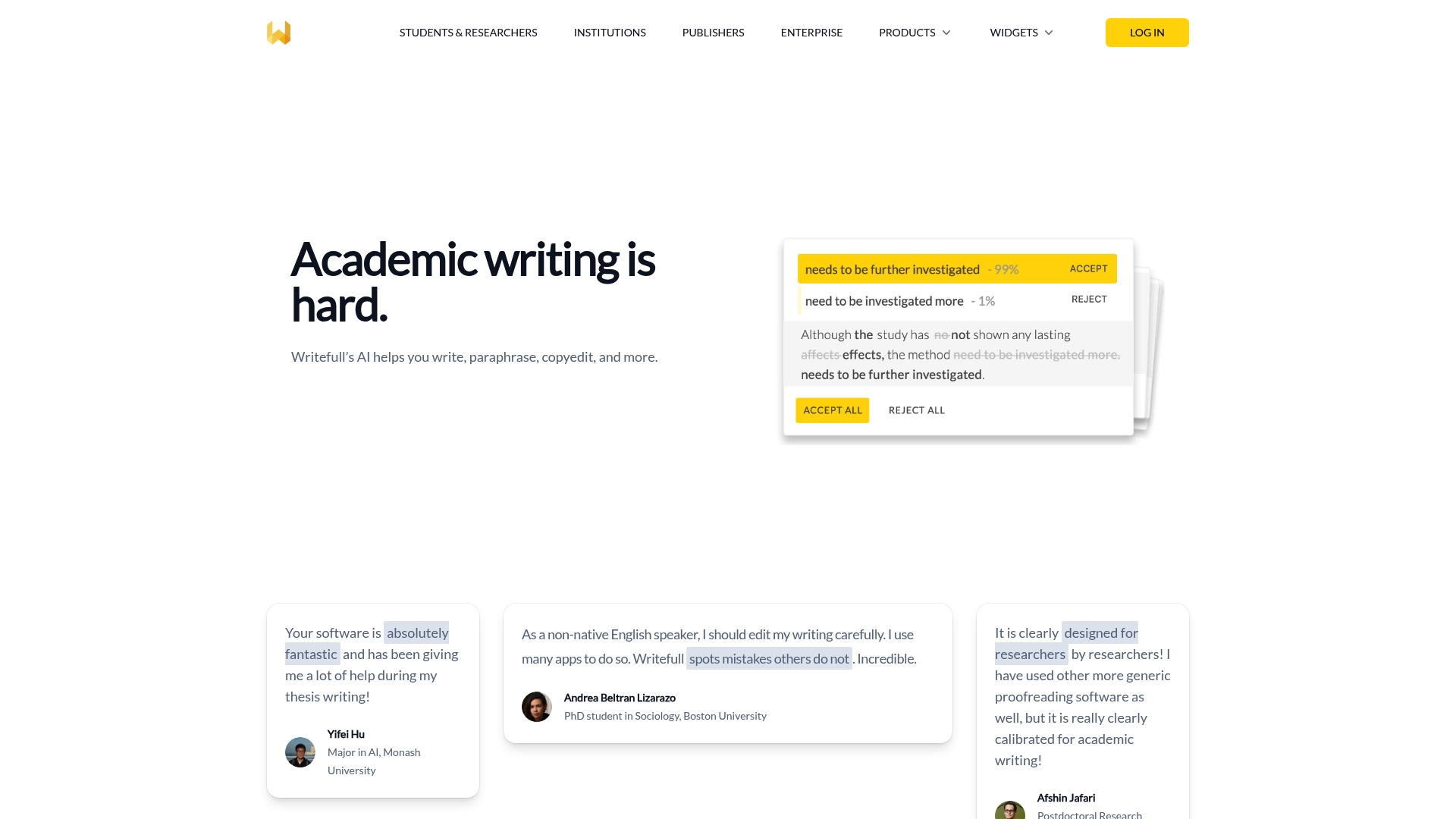
Writefull reports it is used by over 1,500 institutions, a claim that highlights its academic focus. The tool targets research writing with features that handle paraphrasing, title and abstract generation, and LaTeX code output. That institutional reach suggests strong adoption among universities and publishers.
Core Features
Writefull delivers AI-based language feedback tuned to scholarly prose, and it offers writing widgets such as Academizer, the paraphraser, title and abstract generators, and TeXGPT for LaTeX snippets. The service connects with Word and Overleaf so you can edit inside familiar environments, and it transmits edits over encrypted connections to protect text privacy.
Key Differentiator
Writefull trains its models on research papers and academic writing patterns, which gives feedback aimed at the conventions of scholarly publishing. That training focus means suggestions often match journal tone and phrasing more closely than general-purpose editors. The product also emphasizes publisher adoption and institutional workflows.
Pros
Writefull specialises in research and academic writing, so feedback targets formal tone, citation phrasing, and discipline-specific usage. Its custom language models produce suggestions aligned with scholarly norms rather than casual prose. The integrations with Word and Overleaf keep work inside editorial and typesetting flows, and the vendor states texts are not stored or used for model training, which supports privacy requirements for many institutions.
Cons
- Pricing details are not publicly listed, making cost comparison difficult for individual researchers.
- Limits on document size or the number of edits per account are not specified and may affect heavy users.
- Public third-party user reviews are not included in the scraped content, so independent performance reports are scarce.
When It May Not Fit
If you need a free, consumer-grade editor for casual or blog writing, this product may be more specialised than necessary. Teams requiring transparent per-seat pricing before trial access may find the vendor's public information sparse. Organisations that need broad integrations beyond Word and Overleaf should confirm compatibility before committing.
Notable Integrations
- Microsoft Word for in-document editing and feedback.
- Overleaf for LaTeX collaboration and code generation.
Who It's For
Writefull suits researchers, graduate students, academic authors, and copyeditors who write for journals and conferences. It fits institutions and publishers that prioritise discipline-aware language suggestions and that require tools compatible with typesetting workflows. Individual bloggers and casual writers will likely find its focus narrower than general editors.
Real World Use Case
A university research team drafts a manuscript and uses Writefull to refine abstract phrasing and standardise citation language. The team edits in Word while pulling LaTeX equations from TeXGPT when preparing supplementary material for Overleaf. That workflow reduces time spent on language edits and tightens submission readiness.
Pricing
Public pricing is not specified. The vendor appears to offer institutional licensing and premium features, so costs likely vary by institution size and deployment model. Contacting sales is required to obtain exact license terms and per-seat figures.
Website: https://writefull.com
Jetwriter AI
At a Glance
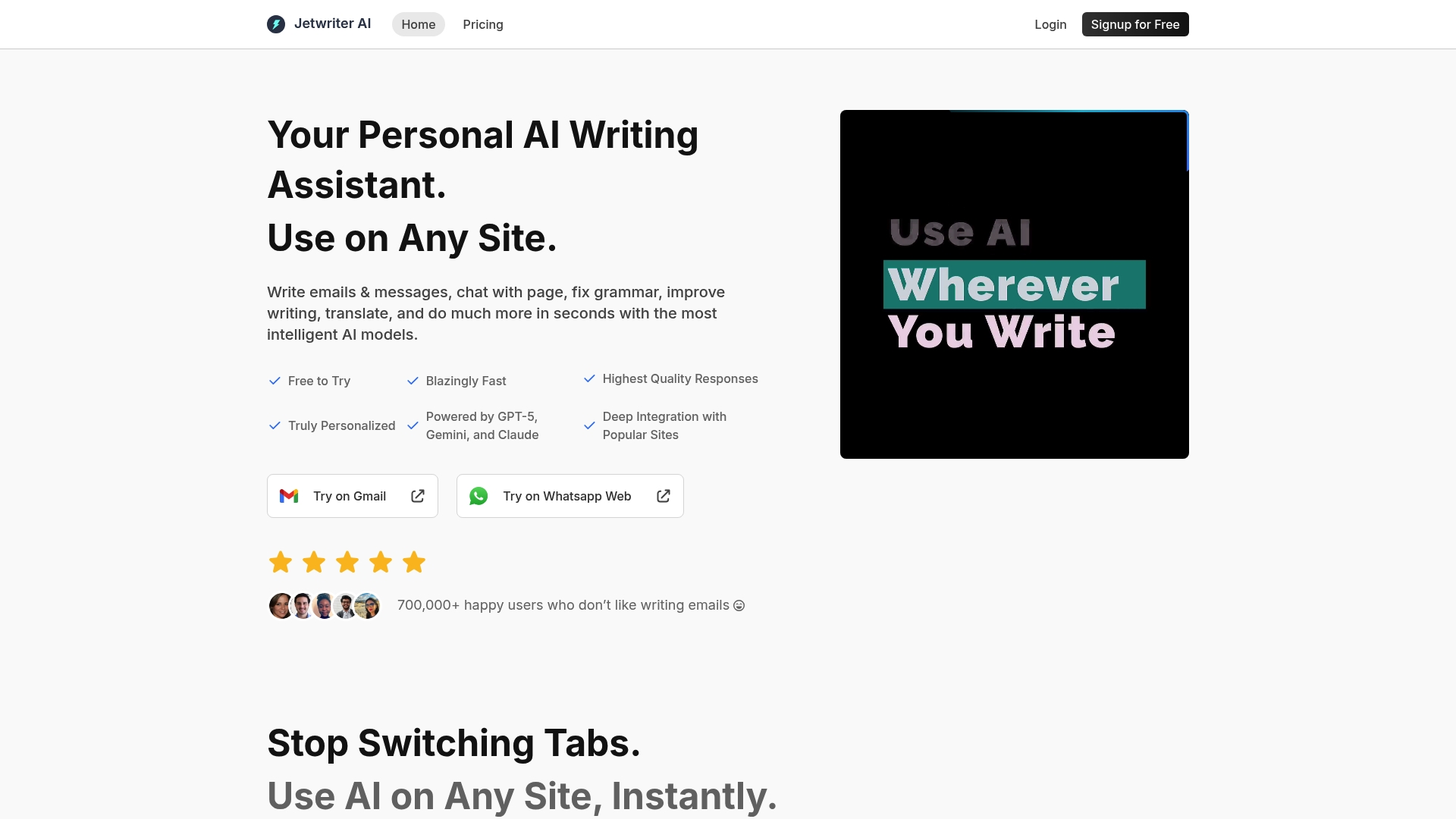
Jetwriter AI reports more than 700,000 users worldwide. That figure reflects rapid adoption among professionals who write emails, social posts, and documents across multiple sites. The product pairs live web access and model switching with voice input to produce quick, personalised replies on any page.
Core Features
Personalised AI responses learn from your interactions and adapt tone and style to match recurring prompts. You can select text anywhere to fix grammar, translate, summarise, explain, or improve phrasing. The assistant can chat with webpages or documents and offers live web access and voice input for context aware replies.
Key Differentiator
Jetwriter AI supports multiple top tier models alongside deep platform integrations. Choosing between GPT-5, Gemini, and Claude changes response character and sometimes speed. That model variety plus built in integrations means replies often include page specific context rather than generic suggestions.
Pros
Personalised, context aware replies speed up repetitive writing tasks and reduce manual edits. Deep integrations with Gmail, WhatsApp Web, LinkedIn, Outlook, Slack, and Zendesk keep drafting inside the apps you already use. The user count above and numerous five star reviews show strong uptake, though those figures are vendor reported.
Cons
- Pricing has multiple tiers and quotas, which can confuse buyers who want a single figure.
- Features that require live web access do not work offline, so connectivity is mandatory.
- Extensive data processing raises privacy concerns for sensitive content, despite the vendor's security statements.
When It May Not Fit
If you often work offline, Jetwriter AI will frustrate you because many features rely on live web access. Budget conscious users may find the tiered quotas hard to compare when choosing a plan. Organisations that must control every data flow should review privacy terms before deployment.
Notable Integrations
- Gmail
- Outlook
- Slack
- Zendesk
- WhatsApp Web
- Zoho
- Freshdesk
Who It's For
Freelancers and professionals who write across platforms will gain the most value from Jetwriter AI. Teams that use Gmail, Slack, or customer support tools can centralise drafting and replies. If you need model choice or voice input, this product fits those needs well.
Real World Use Case
A marketing team uses Jetwriter AI to draft social posts, generate client emails, and summarise web research. That workflow cuts review time and keeps messaging consistent across channels.
Pricing
A free plan covers basic features. Paid plans start at $14/month for higher AI response quotas and advanced tools. Visit the vendor site for full plan comparisons and limits.
Website: https://jetwriter.ai
Quillbot
At a Glance
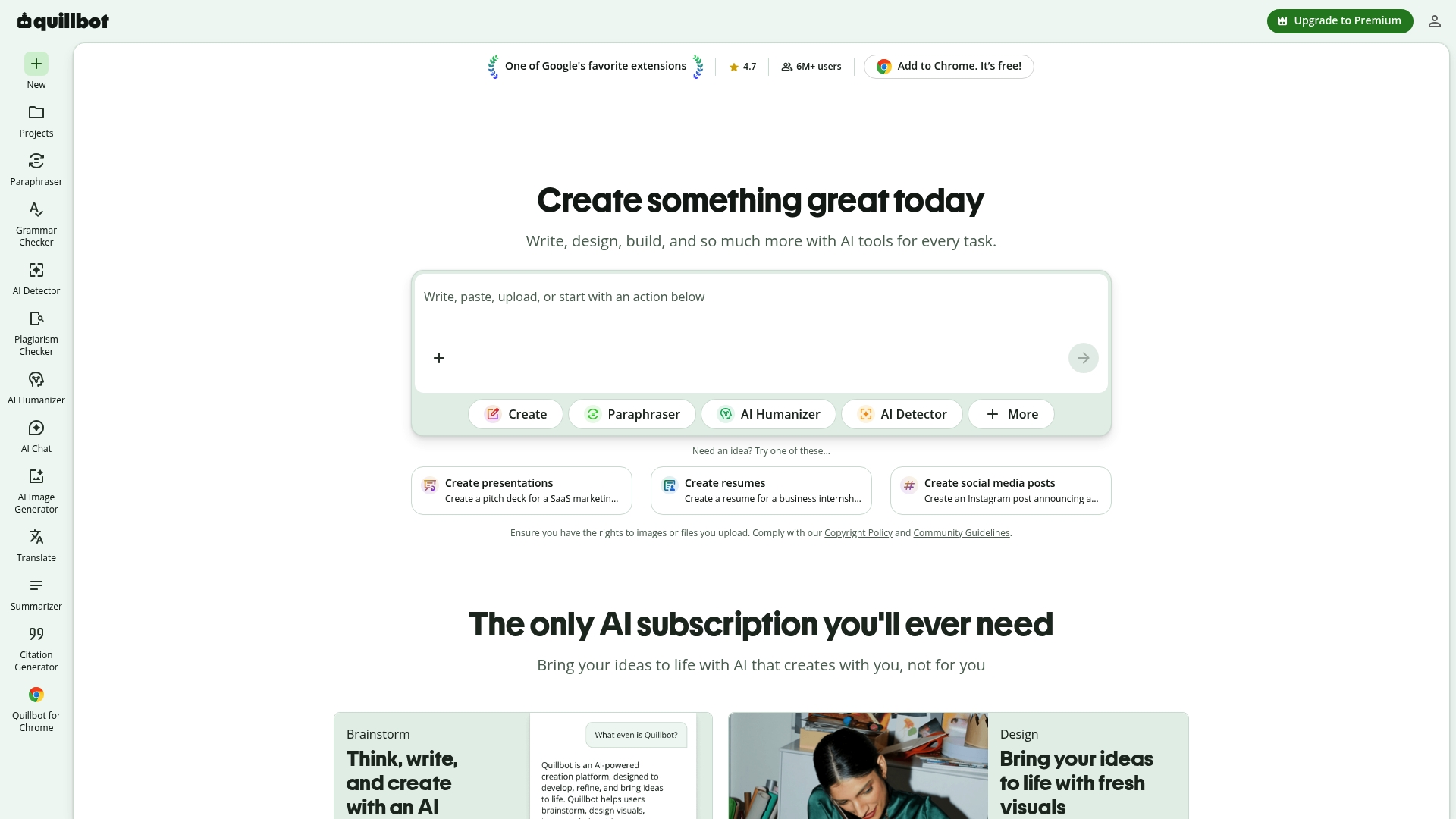
Quillbot reports over 35 million users worldwide. That user figure reflects uptake across students, professionals, and content creators. Its suite mixes paraphrasing, grammar checking, tone analysis, summarisation, translation, AI chat, image generation, and PDF tools.
Core Features
Quillbot centres on a strong paraphrasing tool that rewrites and condenses text in selectable modes. It runs grammar and style checks, performs tone and fluency analysis, and produces summaries from long articles or documents. The platform also offers translation, an AI chat assistant, image generation, and PDF tools for editing and conversion, with browser and desktop extensions to bring the tools into common writing environments.
Key Differentiator
The stand-out claim is a single toolkit that spans writing, editing, translation, and visual content generation. That consolidated approach reduces the need to switch between several specialised apps. Quillbot aims at people who prefer to solve most writing tasks inside one platform.
Pros
The product provides a free tier and a broad set of AI tools, so newcomers can try core features without cost. Browser and desktop extensions make the features available inside email, document editors, and web forms, with simple controls for non-technical people. Collaboration features and multi-platform support help small teams keep tone and terminology consistent across emails, posts, and documents. That user figure suggests a sizeable community and a range of tutorials and tips to consult.
Cons
- Complex feature set may overwhelm new users who only need a single tool.
- Full access requires a Premium subscription, so teams will pay for the most useful capabilities.
- Free version limits mean heavy users hit usage caps and must upgrade.
- AI-generated content sometimes needs human review to catch nuance and accuracy issues.
When It May Not Fit
Organisations that refuse subscription software will miss key features behind the Premium paywall. People who need instantly publishable, human-level nuance should plan to edit AI output. Users who rely solely on the free tier will encounter usage limits that hinder continuous heavy work.
Who It's For
Students, professionals, content creators, and language learners will find Quillbot useful for drafting and refining text. Small teams that want consistent tone across channels benefit from the collaboration and extension features. Anyone who values quick rewrites and basic translation in the same tool will appreciate the consolidated toolkit.
Real World Use Case
A marketing team uses Quillbot to generate social media posts, tighten email copy, and assemble presentation drafts quickly. Team members run tone checks to align voice across channels. The suite helps maintain brand wording while saving time on first drafts.
Pricing
Quillbot offers a Free tier, plus optional Premium plans that unlock advanced features and higher usage limits. Premium subscription is required for full access to some tools and higher throughput. Exact tier prices and seat options are not publicly listed.
Website: https://quillbot.com
Comparison of alternatives
Readers aiming to improve the quality of their written communications may consider the reviewed services, each offering a range of unique features and benefits. Despite some overlap in functions, distinct variations exist. Below, we analyse key aspects to determine the scenarios where each excels.
Language support and focus
Among these offerings, InspiroWrite and Quillbot effectively provide multilingual support with linguistic features like translation and tone adjustments, accommodating diverse users and use cases. Writefull, however, proves superior for those involved in academic writing, as its tools like citation and academic language checks are specifically designed for research documents. Jetwriter AI, on the other hand, focuses on personal assistant capabilities rather than multilingual support, making it more aligned with dynamic, task-oriented applications.
Collaboration and integrations
Grammarly presents advanced support for teams by providing style guides and snippet administration tools to achieve brand consistency and writing uniformity. Jetwriter AI excels in platform integrations, supporting a wide array of communication tools, whereas InspiroWrite offers a focused collaboration environment and enterprise-friendly API access. Writefull and Quillbot also include integrations for academic and content editing purposes but lack the uniformity features of Grammarly.
Best fit
- Writers looking for fast multilingual proofreading and privacy assurances will find InspiroWrite provides a smooth and secure editing workflow.
- Academic researchers or institutions should consider Writefull, which achieves discipline-aligned suggestions and thorough documentation tools.
- Professionals needing integrations across multiple communication platforms, such as emails and mobile apps, would benefit most from Jetwriter AI’s assistant features.
- Students and content creators seeking accessible paraphrasing and summarisation functionalities will find Quillbot a compelling starting point.
Our pick
For users prioritising multilingual support and a commitment to text privacy, InspiroWrite is an excellent choice for providing effective and secure text processing capabilities rapidly. It stands out for its capacity to handle multiple languages and its emphasis on ensuring privacy of user data throughout the editorial process.
Explore proofreading and translation solutions optimised for speed, language variety, and collaboration.
| Product | Key Features | Best For | Pricing | Limitation |
|---|---|---|---|---|
| Inspirowrite | Multilingual AI editing and translation | Writers and small businesses | €4.99/month (Pro Plan) | Business pricing not transparent upfront |
| Grammarly | Grammar and style checks, plagiarism detection | Professionals seeking writing quality | $12/month (annual billing) | Interface can appear complex for new users |
| Writefull | AI-feedback tailored for academic writing | Academic authors and researchers | Price not published | Cost comparison difficult due to non-disclosed pricing |
| Jetwriter AI | Multi-model AI, contextual replies, voice input | Freelancers using multiple platforms | $14/month | Requires constant internet connection |
| Quillbot | Paraphrasing, tone analysis, summarisation tools | Students and language learners | Free and premium tiers | Advanced features behind a subscription paywall |
Which eangel.me Alternative Meets Your Proofreading and Translation Needs?
Many writers, students, and marketing teams find slow processing and lack of privacy frustrating when seeking quick, accurate language support. InspiroWrite solves this by delivering fast AI proofreading and translation results while protecting your content from any reuse in model training. That privacy-first approach helps teams and individuals handle confidential drafts with confidence.
InspiroWrite offers an easy-to-use platform designed for immediate feedback on grammar, style, and tone corrections across multiple languages. Witness improvements in your writing within seconds and maintain control over your content. Visit the site now and see how InspiroWrite can speed up your workflow and secure your text privacy.
FAQ
How does InspiroWrite aid in proofreading and translation?
Inspirowrite quickly generates accurate proofreading and translation results. It runs AI checks for grammar, style, and tone, offering features like rephrase and translate modes. For writers who need fast edits in multiple languages, this can significantly speed up the editing process.
What is the difference between InspiroWrite and Grammarly?
Grammarly provides thorough grammar checking and tone detection across various platforms, making it ideal for teams needing consistent writing quality. InspiroWrite, on the other hand, offers quick multilingual editing, which is especially beneficial for writers focused on immediate feedback and fast turnaround times.
Which platform is better for team collaboration: InspiroWrite or Writefull?
Writefull focuses on academic writing, providing advanced language feedback tailored for research. InspiroWrite supports team collaboration with a user-friendly interface and API access, which is great for those needing a quicker, more straightforward editing process across languages.
Can I use InspiroWrite for long documents with multiple languages?
Inspirowrite excels in handling lengthy documents across various languages due to its fast editing capabilities and modes that support translation and proofreading. This feature makes it easier for teams to manage multilingual content without extensive setup.
What features make InspiroWrite suitable for small businesses?
Inspirowrite offers tiered pricing that includes a free option and a low-cost Pro tier, which is ideal for small teams. This pricing model allows businesses to access robust editing features without significant financial commitment.