

Machine translation post editing, in the sense that matters for most writers and business users, means an AI model automatically correcting a machine-translated draft in seconds, not a professional translator manually reworking it over hours. If you need a fast, private polish on an MT draft, this is the right approach; if you need a certified or legally binding translation, it is not. For everyday emails, drafts, study materials and internal documents, instant AI post-editing gets you publishable text far quicker than waiting for a human editor.
TL;DR:
- Automated post-editing rapidly corrects machine translation drafts, making it ideal for routine emails, notes, and internal documents, but unsuitable for legal or certified work.
- Combining quality estimation with AI post-editing ensures only low-quality segments are flagged for further review, maintaining speed without sacrificing accuracy.
- To optimize the workflow, prepare source texts carefully, manually check critical details like names and dates, and run a small test sample before full deployment.
- Privacy concerns should be addressed by choosing tools that do not use your data for training and by removing sensitive information before submission.
- The limitations of AI editing include hallucinated details, misrepresented numbers, and cultural nuances; critical legal or medical content always requires human review.
Table of Contents
- What is automated post-editing (APE)?
- Who benefits most from instant AI post-editing?
- How does the post-editing workflow actually run?
- How do you post-edit MT output step by step?
- What privacy checks should you run before pasting sensitive text?
- Where does instant post-editing fall short?
- How do you measure quality and speed in practice?
- What does a real InspiroWrite case study show?
- A practitioner's take on where people go wrong
- Try instant, privacy-first post-editing with InspiroWrite
- Sources
- FAQ
What is automated post-editing (APE)?
Automated post-editing, or APE, is the process where an AI model reviews a raw machine translation output and fixes it instantly, without a person touching the text first. That is different from professional MTPE, where a trained linguist manually corrects MT drafts against a client brief, a workflow built for certified, regulated, or brand-critical documents rather than speed.
APE exists alongside a companion process called quality estimation (QE), which scores a translated segment automatically and flags whether it is good enough to keep or needs another pass. Together they form a simple filter:
- MT draft produces the first rough translation.
- APE rewrites weak or awkward segments automatically.
- QE scores the result and decides whether it passes or needs another look.
Combining QE with APE lets teams route only low-quality segments for correction, which is exactly how instant AI post-editing tools keep speed high without checking every single line by hand.
Who benefits most from instant AI post-editing?
Writers producing multilingual content on tight deadlines, students translating study notes, non-native speakers polishing emails or essays, and business users handling routine correspondence all gain the most from instant post-editing. None of these needs a certified translator; all of them need speed and confidentiality.
Content suitability matters more than job title, though; for example, fast localisation workflows with multi-language subtitles for shorts help when working with short multimedia translations. Instant APE handles these well:
- Emails, internal memos, and day-to-day business correspondence
- Blog drafts, study notes, and personal writing
- Product descriptions, FAQs, and repeatable e-commerce copy
- Presentation slides and short marketing copy
It handles these poorly, or not at all:
- Legal contracts, medical documents, and certified filings
- Literary work with heavy wordplay or cultural nuance
- Anything requiring a sworn or notarised translation
Pro Tip: If you are unsure which category your document falls into, ask yourself who reads the final version. If a regulator, court, or clinician does, escalate to a human. If it is a colleague or classmate, APE is almost always enough.
How does the post-editing workflow actually run?
The process behind instant post-editing follows five repeatable steps, whether you run it manually in a tool or as part of a business pipeline.
- Prepare the source text. Remove ambiguous phrasing, spell out abbreviations, and build a short glossary for brand names or technical terms.
- Generate an MT draft. Run the text through your chosen machine translation engine to get the raw output.
- Run the APE pass. An LLM or dedicated APE layer rewrites the draft, correcting grammar, tone, and awkward phrasing instantly.
- Apply quality estimation. QE scores each segment and routes anything below your threshold for a second pass or human attention.
- Do a quick QA check. Scan names, numbers, and dates, then send anything high-stakes to a human editor.
APE tools work in one of two ways: some are trained on triplet data (the original text, the raw MT output, and a human's correction of it), while others rely on prompt-driven LLM pipelines when that training data is not available. For most everyday users, this distinction is invisible. What matters is that a well-prompted LLM can do a competent APE pass even without a specialised model behind it, and pairing that with a glossary noticeably improves consistency, as described in this multilingual content workflow guide.
How do you post-edit MT output step by step?
You do not need translation software expertise to run this yourself. Follow this checklist with any AI writing and translation tool:
- Clean your source text. Fix typos and vague phrasing before translating; MT engines amplify ambiguity rather than resolving it.
- Generate the MT draft using your chosen engine.
- Apply the AI post-edit pass, giving clear instructions such as "keep a formal tone", "preserve all proper names exactly", or "shorten by 20%".
- Check names, numbers, and dates manually. These are the most common failure points in any automated pass.
- Accept the edit and export. Save a copy of both the original and edited version for your records.
Pro Tip: Test the full workflow on a 200 to 300 word sample before running it across a whole document. It takes two minutes and catches formatting or tone problems before they multiply across thousands of words.
For business decks specifically, this guide to translating presentation slides covers formatting quirks that plain-text workflows do not.
What privacy checks should you run before pasting sensitive text?
Before uploading anything confidential, ask four questions of any tool: does it use your input to train its models? How long is the text stored? Is it encrypted in transit and at rest? Does it meet GDPR or CCPA obligations relevant to your data?
Practical mitigations you can apply immediately:
- Choose a private or enterprise plan over a free consumer tool when handling client or company data.
- Strip or replace names, account numbers, and addresses before pasting text you are not sure about.
- Keep a local, dated copy of anything you submit, in case you need an audit trail later.
Academic guidance on AI-assisted writing is explicit that authors remain responsible for verifying AI-edited content before publishing it, a rule that applies just as much to translated business documents as to research papers.
Why this matters: for students submitting coursework or business users handling client correspondence, a tool that trains on your input can mean your unpublished work or confidential figures resurface elsewhere. Privacy-first processing, where your text is never used to train the underlying model, removes that risk entirely. Read more in this guide to confidential translation tools.
Where does instant post-editing fall short?
Automated post-editing fails predictably in a few places: hallucinated details that were never in the source, mangled numbers or dates, dropped names, and lost idiom or cultural nuance that a native reader would catch instantly. APE is strongest on standardised, repeatable content and weakest on anything creative, ambiguous, or legally binding, a pattern confirmed by how APE performs best on technical and e-commerce content rather than nuanced prose.
Always route these to a human editor:
- Legal contracts, court filings, and regulatory submissions
- Medical records, consent forms, and clinical documentation
- Certified or notarised translations of any kind
- Marketing claims with legal exposure (health, financial, safety claims)
Red flags that should trigger a handover: a number that does not match the source, a name that changed spelling mid-document, or a sentence that reads fluently but says something the original did not.
How do you measure quality and speed in practice?
Three metrics tell you most of what you need: the QE score threshold you are willing to accept, the number of edits per 1,000 words the AI makes, and the percentage of AI suggestions you accept without further changes.
Run a simple test to calibrate these on your own content:
- Take a 500 to 1,000 word sample and run it through your full workflow.
- Time each stage: MT generation, APE pass, and your own review.
- Count how many segments you had to correct after the AI pass.
Industry data on human post-editing workflows shows productivity gains of 30 to 50% compared with translating from scratch, and light post-editing (fixing only clear errors) moves faster than full post-editing (polishing style too). Treat those figures as a ceiling for instant AI post-editing, not a guarantee. Your own sample test will tell you where your content actually lands.
What does a real InspiroWrite case study show?
A client case study on the InspiroWrite blog, "Cut Review Time by Two Thirds With Accurate AI Translation for Teams", describes a business team that used an AI translation and post-editing workflow to reduce the time spent reviewing translated documents by roughly two thirds, while reporting improved accuracy over their previous manual process.
The core lesson from that case is not that AI replaced review entirely. It is that routing routine text through instant post-editing first, and reserving human attention for the segments QE flags as uncertain, cuts the review workload dramatically without cutting corners on the output.
To replicate this on your own draft, run a short document through the same five-step workflow described earlier, then time your review pass against how long a fully manual edit would have taken. Mike, who covers AI writing and translation workflows for the InspiroWrite blog, has written more on this pattern across other case studies.
A practitioner's take on where people go wrong
The mistake I see most often is treating instant post-editing as a finish line rather than a first pass. People run the AI edit, glance at it, and export without checking the one thing machines still get wrong most: proper names and numbers carried over from the source. My single highest-impact tip is to build a two-minute habit of scanning just those two categories before you hit export, regardless of how confident the AI output looks. It catches the errors that actually cost you credibility. For more on building this into a repeatable workflow, the InspiroWrite blog covers it in detail.
— Mike
Try instant, privacy-first post-editing with InspiroWrite
InspiroWrite is the tool built specifically for the workflow this article describes: it runs an instant AI post-editing and proofreading pass on your translated text, without using your input to train its underlying models.
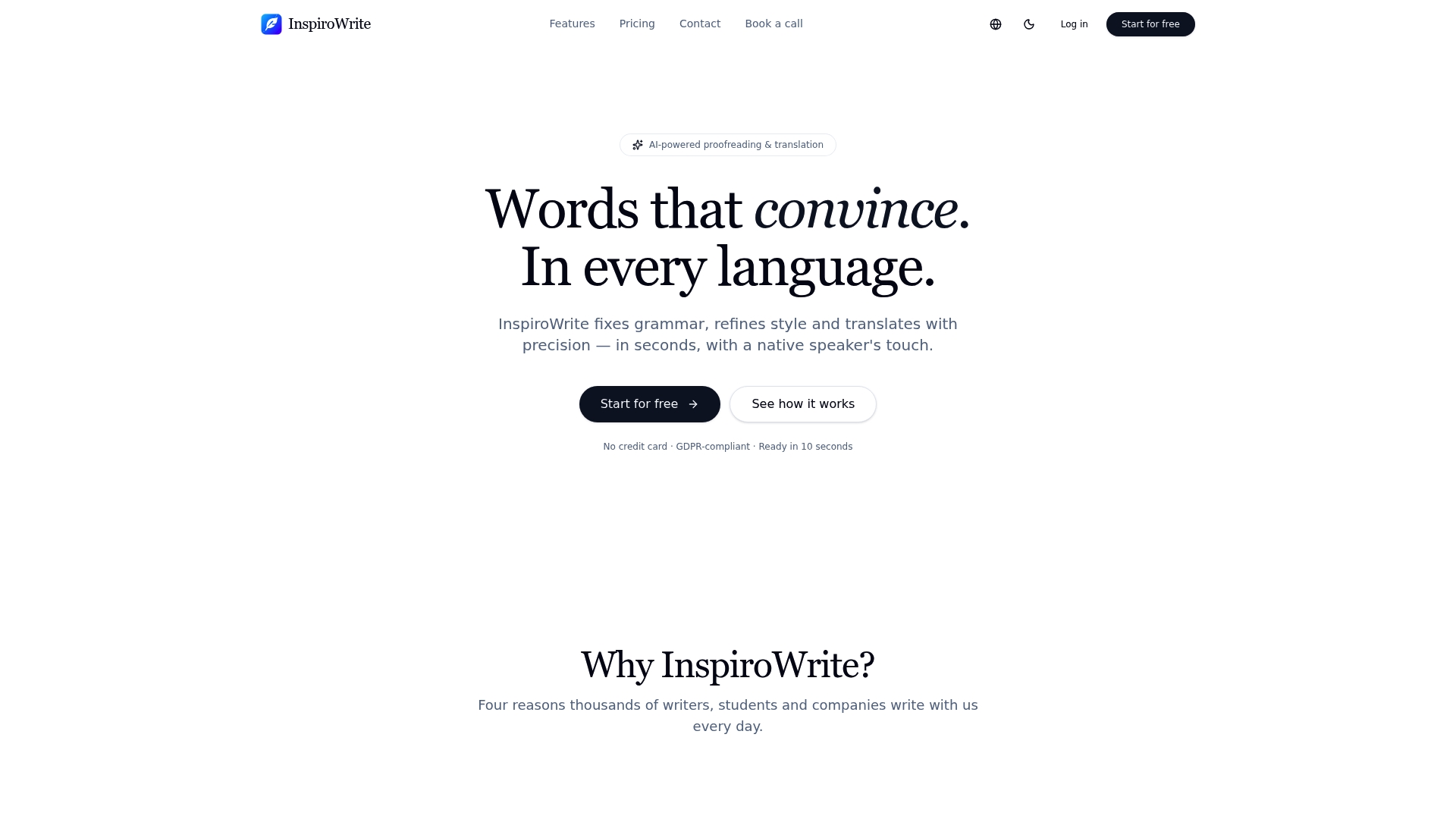
That last point is the one worth pausing on. Plenty of AI writing tools will polish your draft, but far fewer commit to keeping your text out of their training data, which matters if you are handling a client contract, an unpublished manuscript, or coursework you have not submitted yet. InspiroWrite covers grammar, tone, formality, rephrasing, and translation in one pass, with results you can review in seconds rather than minutes. You can test the workflow on your own content; check the provider's site for details on plans and upgrades. Start with a short sample at the InspiroWrite landing page and see how your own draft holds up.
Sources
- Automatic post-editing explained: how TAUS uses LLMs to fix MT output
- MTPE: What machine translation post-editing is & how it works
FAQ
What is machine translation post editing in this context?
It means an AI model instantly correcting a machine-translated draft for grammar, tone, and clarity, distinct from professional human post-editing done by trained translators.
Is instant AI post-editing as good as a human translator?
No. It is fast and useful for everyday drafts, but it cannot replace certified human translation for legal, medical, or officially binding documents.
How much time does automated post-editing save?
Related human post-editing workflows report productivity gains of 30% to 50% in some human post-editing workflows according to source over translating from scratch; instant AI tools like InspiroWrite aim for similar or faster gains on everyday text.
Is my text safe if I paste it into an AI post-editing tool?
It depends on the tool's data policy. Choose one, such as InspiroWrite, that explicitly states it does not use your input to train its models before pasting anything sensitive.
When should I skip AI post-editing and hire a human?
Skip it for legal contracts, medical records, certified filings, and any text carrying legal or regulatory exposure, where a professional editor's review is required.