

A privacy-first AI pass followed by a mandatory human rewrite is the fastest safe way to handle style guide enforcement on any draft. Run the mechanical corrections through a private tool, rewrite the substantive parts yourself, then verify. For academic or publisher submissions, follow disclosure norms from bodies like the International Committee of Medical Journal Editors and CASRAI. Done this way, a full pass takes minutes, not hours, and your name stays on the work.
TL;DR:
- AI should be used as a two-pass editing tool, with a mechanical pass for grammar and a separate revision for tone and clarity.
- Using private, data-protected AI tools prevents confidential information from being exposed in public models.
- Always fact-check AI-generated suggestions and verify that edits do not alter your meaning before finalizing a draft.
- AI is suitable for everyday writing and polishing but should not be trusted for legal, academic, or sensitive content without human oversight.
- Maintaining records of AI changes and prompts helps ensure a defensible and transparent editing process.
Table of Contents
- What does style guide enforcement actually mean for writers?
- How do you enforce a style guide with AI, step by step?
- Privacy and verification safeguards for AI-assisted editing
- How do you evaluate an AI proofreading tool before trusting it?
- When should you trust AI with style enforcement, and when not?
- Why I trust AI for micro-edits, never for judgement
- Where InspiroWrite fits into this workflow
- Sources
- FAQ
What does style guide enforcement actually mean for writers?
Forget the developer's version of this phrase. If you searched for style guide enforcement expecting talk of linting rules or continuous integration pipelines, you are in the wrong place, and that is good news. For a student, freelancer, or non-native English speaker, style guide compliance means something simpler: making sure your draft follows the tone, grammar, formatting, and voice rules your publisher, professor, or client expects.
That could be APA formatting for a dissertation chapter, a brand's preferred sentence length for marketing copy, or just consistent British spelling across a 3,000 word report. Modern AI checkers can score a draft against recognised style frameworks like APA or Chicago and flag sentence-level inconsistencies, which gives you a concrete list of fixes rather than a vague sense that "something feels off." The tool does the scanning. You still do the judging.
How do you enforce a style guide with AI, step by step?
The workflow below treats AI as a fast first-pass editor, never as the final author. It works whether you are polishing a cover letter or tightening a client's website copy.
- Draft in your own words first. Write your thesis, your must-include evidence, and your own phrasing before any AI touches the text. This is what makes the later rewrite defensible, because you are editing your own argument, not reconstructing someone else's.
- Run a mechanical pass. Feed the draft into a tool with a narrow prompt: fix grammar, punctuation, spelling, and formatting only. Do not ask it to rephrase meaning yet. This isolates the low-risk fixes from the ones that need your judgement.
- Run a separate clarity or tone pass. With a second, distinct prompt, ask for sentence-level clarity, tone matching, or shortening. Keeping this pass separate from the mechanical one stops the AI from quietly rewriting your argument while fixing a comma splice.
- Re-author the output. Read every suggested change and rewrite it in your own voice rather than pasting it wholesale. If a phrase does not sound like something you would say, change it. This is the step most people skip, and it is the one that keeps the text genuinely yours.
- Save a record. Keep the before and after versions, plus the prompts you used. If a publisher or tutor later asks how AI was involved, you want a clean answer.
This two-pass pattern (mechanical, then clarity) matches the drafting practice CASRAI recommends: prompt from your own notes, treat AI output as a scaffold, and rewrite substantively before anything goes out the door.
Pro Tip: Keep your mechanical-pass prompt boring on purpose. Something like "Fix only grammar, spelling, and punctuation, do not change sentence structure or meaning" produces far more predictable results than a vague "improve this" request.

Privacy and verification safeguards for AI-assisted editing
Not every draft belongs in a public chatbot. If your text contains client names, unpublished financial figures, medical details, or anything covered by a confidentiality agreement, treat that as a hard stop. Use a tool built around private processing, or one backed by a data protection agreement, instead. The American Bar Association's 2025 guidance on generative AI in contract drafting makes this explicit for legal work: keep client-identifiable data out of public models and verify every output against a primary source.
Three checks are non-negotiable, regardless of subject matter:
- Fact-check independently. AI tools can misstate a date, a statistic, or a citation with total confidence. Verify anything factual against the original source, not the AI's summary of it.
- Run a closed-pass rewrite. After accepting AI suggestions, read the whole passage once more with no tool open, purely to check it still sounds like you and says what you meant.
- Know your disclosure obligations. ICMJE and CASRAI both draw a line between AI used for copyediting (usually fine, rarely disclosed) and AI used for substantive drafting or idea generation (which many journals now require you to declare).
Research backs the caution. AI feedback measurably improves short-term writing accuracy and learner autonomy, but it also carries a documented risk: uncritical acceptance of suggestions erodes the deeper revision skills that a hybrid AI-and-human workflow is designed to protect. If you work inside a team, three organisational controls close most of the remaining gap: a no-personal-data rule for what goes into any tool, a shared log of when and how AI was used, and a human approval gate before anything ships. For a deeper walkthrough of what to check before uploading a document anywhere, see six questions to verify secure AI writing before uploading.
How do you evaluate an AI proofreading tool before trusting it?
Not every tool deserves your draft, and not every accepted suggestion deserves to stay in your text. Split your evaluation into two layers: the tool itself, and the specific edits it produces.
- Check the privacy model. Does the tool state, in writing, that it does not use your content to train its underlying AI? If that answer is unclear, treat every draft you'd upload as if it were public.
- Check for custom style rules. Can you feed it your own preferred terms, banned words, or tone settings, or does it only apply one generic house style? Brand-level style agents, for instance, work by ingesting a defined rule set and applying it automatically at generation time, which is the model worth looking for even in a personal proofreading tool.
- Check export and history features. Can you retrieve a previous version, or export a clean copy for your records? This matters for the audit trail from step 5 above.
- Test it on a golden paragraph. Run one paragraph you already know well through the tool. If it flags a real error correctly and leaves your intended meaning untouched, that is a pass. If it invents a claim that was not in your original text, that is an immediate reject.
Apply three decision rules to every suggested edit: accept if it fixes a genuine mechanical error, accept with edits if the idea is right but the wording is not yours yet, and reject if it changes meaning or introduces something you cannot verify.
When should you trust AI with style enforcement, and when not?
AI-assisted style checking earns its keep on student essays, day-to-day business copy, quick translation drafts, and general polishing for non-native English speakers who want their grammar tightened without losing their own voice. Customised chatbot-style tools have shown real gains in sentence-level accuracy and learner independence for exactly this kind of writing, when the scaffolding is used responsibly.
It earns far less trust on legal or regulatory submissions, unverified academic claims, and sensitive client documents where a factual slip carries real consequences. In those cases, AI can still help with the mechanical layer, but a specialist human editor needs to own everything above it.
- A student drafts an essay, runs a mechanical pass for grammar, then hand-checks every citation before submission.
- A freelance copywriter uses AI to tighten a client's tone guide compliance, then rewrites the final paragraph herself so the brand voice stays consistent, not templated.
Why I trust AI for micro-edits, never for judgement
The honest habit worth building is narrower than most advice suggests: let AI handle the sentence-level noise, spelling, punctuation, awkward phrasing, and keep every judgement call about meaning, evidence, and argument firmly with the human writer. That split is what separates efficient style guide enforcement from quietly outsourcing your thinking.
Three habits make that split real in practice. Run a closed-pass rewrite once the AI has finished, so the final version passes through your own head one more time. Verify anything factual independently rather than trusting a fluent-sounding summary. And keep a simple record of what AI touched, because that record is the difference between a defensible workflow and an awkward conversation later. For more on turning AI suggestions into genuinely your own sentences, our piece on rewriting sentences instantly with AI goes into the mechanics.
— Mike
Where InspiroWrite fits into this workflow
InspiroWrite is built around exactly the two-pass habit this article recommends: a private mechanical check for grammar and punctuation, then a separate clarity pass for tone and sentence flow, without your draft ever being used to train the underlying model. Every edit stays retrievable through history tracking, so you can export a clean audit trail if a tutor or publisher ever asks how a document evolved.
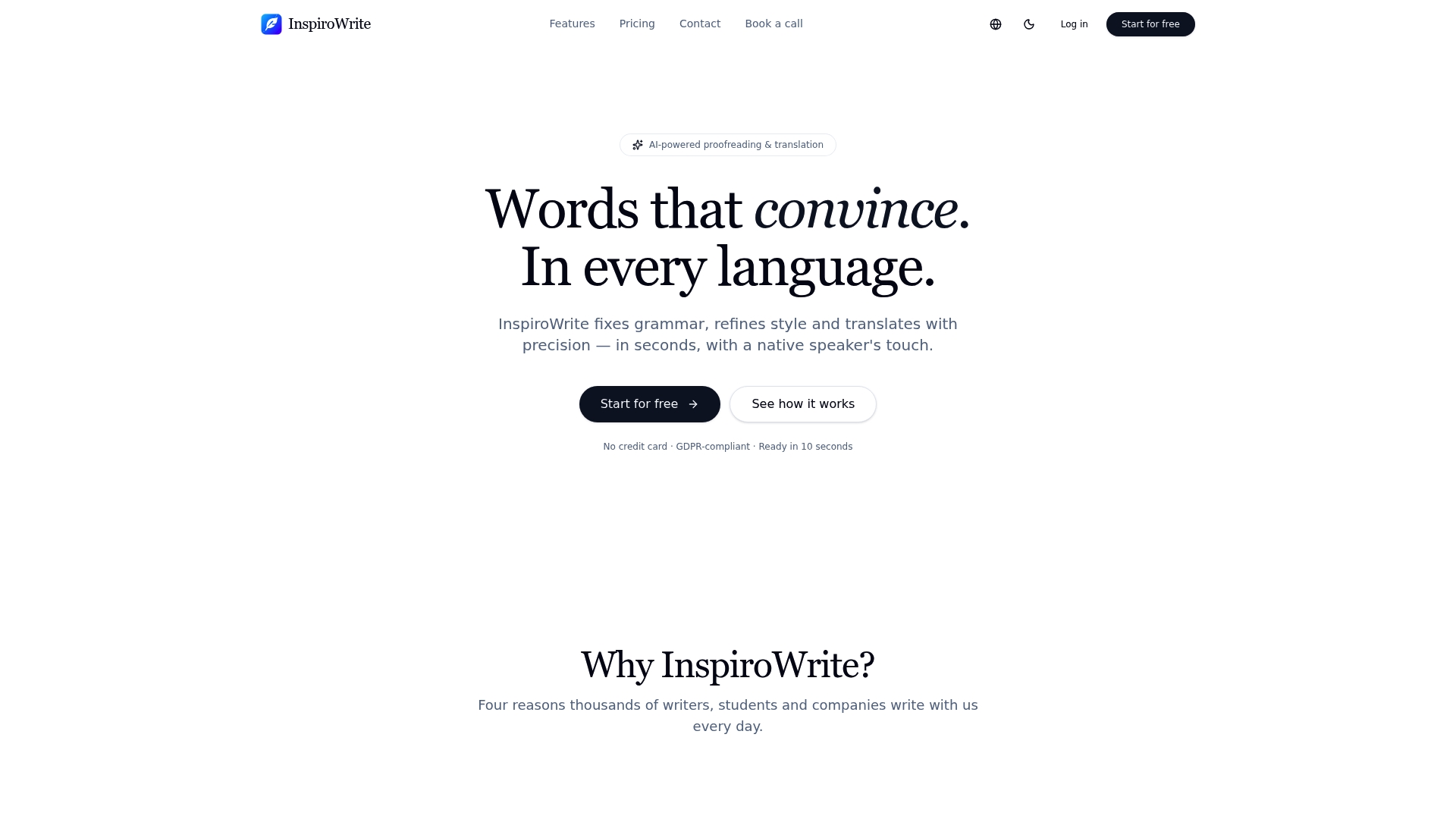
Students juggling citation formats, freelancers matching a client's brand voice, business professionals writing across time zones, and non-native English speakers who want their grammar tightened without losing their own phrasing all get the same thing from it: a fast private pass that leaves the substantive rewrite to them. Options for team access and API use may be offered to support workflows involving multiple writers. If your drafts currently go into a public chatbot by default, that is worth changing today. Start with the free plan on the InspiroWrite landing page and run your next draft through both passes before you send it anywhere.
Sources
- CASRAI — AI-assisted drafting best practices
- AI-generated feedback and writing improvement (Springer, 2026)
- Using generative AI in contract drafting (American Bar Association, 2025)
FAQ
What is style guide enforcement in AI proofreading?
It means using an AI tool to check a draft against grammar, tone, and formatting rules, then having a human rewrite and verify anything the AI changed before it counts as finished.
Is it safe to paste a client document into a public AI chatbot?
No, not if it contains identifiable client or personal data. Use a privacy-first tool like InspiroWrite or a provider with a data protection agreement instead, per ABA guidance on generative AI drafting.
Do I need to disclose AI use in academic writing?
Disclosure depends on the type of contribution. ICMJE and CASRAI generally distinguish minor copyediting, which rarely needs disclosure, from substantive drafting help, which usually does.
Can AI replace a human editor entirely?
No. AI handles mechanical errors reliably, but a hybrid workflow combining AI speed with human verification consistently outperforms AI alone on writing quality and avoids uncritical acceptance of bad suggestions.
How do I choose between a free and paid AI proofreading tool?
Check whether the tool states it does not train its models on your content, whether it supports custom style rules, and whether it offers export or history features, then test it on a paragraph you already know well before trusting it on real work.