

An AI sentence rewriter takes a clunky, unclear or wrongly-toned sentence and gives you several polished alternatives in seconds, so you pick the one that fits. It works for emails, essays, social posts and translated text alike. Writers, students and professionals use it to fix tone and clarity fast; Inspirowrite is a solid privacy-first option built specifically for this job.
TL;DR:
- AI sentence rewriters improve clarity, tone, and conciseness by fixing wordiness, adjusting register, and offering multiple phrasing options tailored to the audience.
- Using contextual instructions before pasting sentences enhances the relevance and accuracy of the rewritten results.
- It is essential to review AI-generated rewrites for factual accuracy, intended meaning, and tone, as drift and errors can occur during paraphrasing.
- The tool works best when generating a few options and manually selecting and refining the most suitable version before final use.
- Inspirowrite processes data locally, ensuring privacy and security when rewriting sensitive or confidential content.
Table of Contents
- What rewrite sentences tools actually improve
- How do sentence rewriters actually work?
- How to rewrite a sentence effectively with AI
- Before and after: rewriting sentences for different audiences
- What can go wrong when you rewrite with AI
- Mike's checklist for spotting a genuinely good rewrite
- When AI rewriting helps and when it doesn't
- Try Inspirowrite for fast, private sentence rewrites
- Sources
- FAQ
What rewrite sentences tools actually improve
The gains are specific, not vague. A good rewriter fixes three things at once: it tightens wordy phrasing, adjusts tone to suit the reader, and swaps in stronger vocabulary without changing what you meant to say.
Free AI sentence rewriter tools can generate multiple paraphrased variations almost instantly, which is exactly what makes them useful for blog posts and emails where you need a different register depending on who's reading. A message to a client and the same point made to a colleague should not read the same way, and a rewriter shows you both versions side by side.
- Clarity: cuts filler words and untangles long, stacked clauses
- Tone control: shifts a sentence from stiff and formal to warm and conversational, or the reverse
- Concision: trims a 30-word sentence down to 15 without losing the point
- Variety: gives you three or four phrasings so you're not stuck with the first draft
Privacy matters here too. If you're pasting client emails or draft manuscripts into a tool, you want assurance that text isn't stored or used to train a model elsewhere.
How do sentence rewriters actually work?
Most tools run on a handful of modes, and picking the right one changes the output completely. Simplify strips a sentence down to plain, short words, useful for readability. Formalise swaps casual phrasing for professional register, handy before sending something to a client or examiner. Humanise does the opposite, loosening up robotic or overly stiff text so it reads like a person wrote it. Shorten and expand adjust length while keeping the core meaning intact.
Underneath those modes sit finer controls: a tone selector (formal, friendly, persuasive), a synonym slider that governs how much vocabulary changes, a length target, and a setting for how many variants to generate at once. Canva's Magic Write, for instance, rewrites text based on user instructions and preserves meaning while altering wording and structure, which shows why the instruction you give matters as much as the mode you pick.
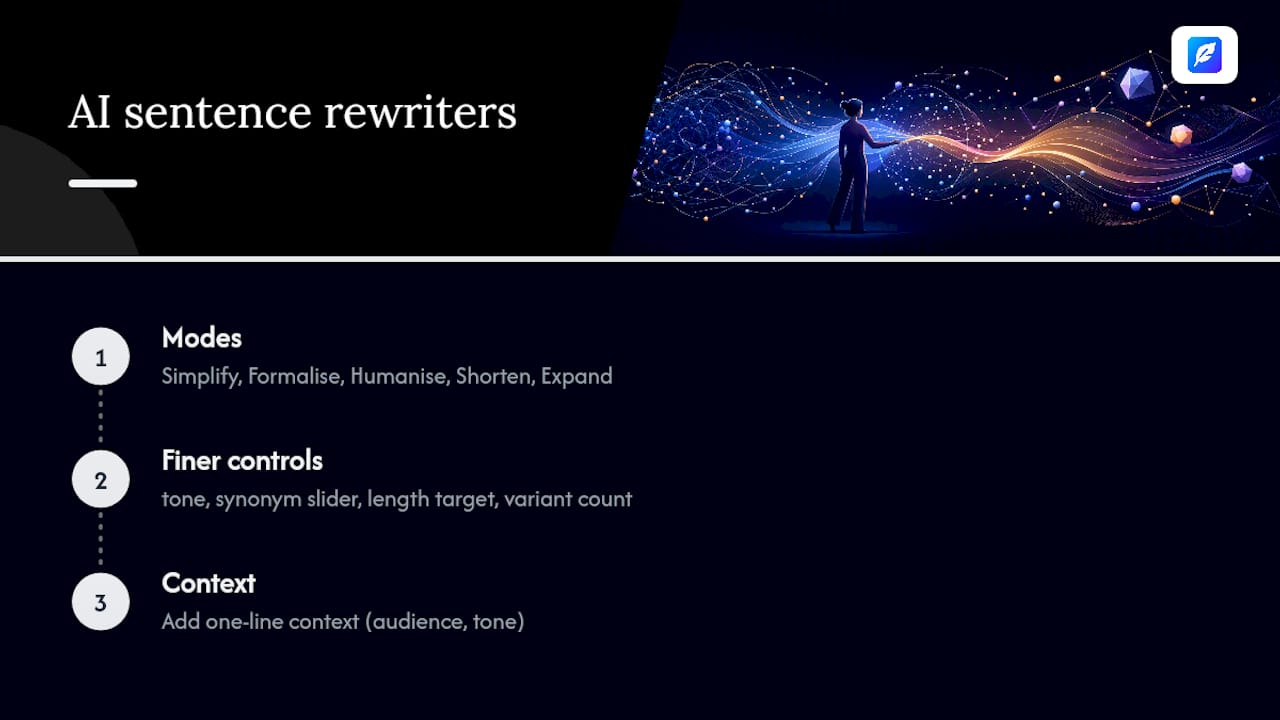
Context is what separates a decent rewrite from a wrong one. A one-line note like "this is for a formal grant application" or "keep the technical terms" steers the tool away from generic paraphrasing and towards something usable.
Pro Tip: Add a single line of context before your sentence, such as "audience: my manager, tone: direct." It costs five seconds and noticeably improves the first result you get back.
How to rewrite a sentence effectively with AI
Rewriting well is a repeatable process, not guesswork. Follow these four steps and you'll get usable results on the first or second try almost every time.
- Choose your mode and state the audience. Decide if you need simplify, formalise, humanise, or shorten/expand, and add a short line describing who will read the result and what tone fits them.
- Paste one sentence at a time, with optional context. Long paragraphs confuse the model's sense of what matters. A single sentence plus a one-line note ("keep the statistic, drop the jargon") gives cleaner results than dumping in a whole paragraph.
- Review each alternative against three checks. Does it mean the same thing as your original? Does the tone match your audience? Are any names, numbers or technical terms still accurate?
- Edit the winner and run a final check. Pick the closest alternative, tweak a word or two by hand, then run a grammar and plagiarism check before you publish or send it. Semrush's own documentation on its free sentence rewriter makes the same point: always review output to confirm meaning survived the rewrite.
This loop takes under a minute per sentence once you're used to it, which is the entire appeal over rewriting by hand.
Before and after: rewriting sentences for different audiences
The same original sentence needs different treatment depending on where it's going. Here's how that plays out across four common situations.
- Email to a client. Before: "I wanted to reach out and see if you had any thoughts on the proposal we sent over last week." After (formalise, shortened): "Do you have feedback on the proposal we sent last week?" Cuts the throat-clearing, keeps the ask.
- Academic sentence. Before: "The results, which were quite significant, showed that the intervention had an effect on outcomes." After (simplify, preserve terms): "The intervention significantly affected outcomes." Tighter, and the causal claim is clearer.
- Social post. Before: "We are pleased to announce the launch of our new product line." After (humanise): "Our new product line just dropped. Here's what's in it." Sounds like a person, not a press release.
- Language learner's sentence. Before: "I am go to store yesterday for buy milk." After (grammar fix, simplify): "I went to the store yesterday to buy milk." A learner comparing the two versions side by side sees exactly where the grammar shifted.
Once you've picked a version, copy it straight into your document rather than retyping, and keep a note of which mode produced it if you're rewriting a whole document. That habit alone saves a surprising amount of time on longer pieces, something covered in more depth in this practical checklist for revising blog posts efficiently.
What can go wrong when you rewrite with AI
Rewriters fail in predictable ways, and knowing the pattern means you catch it before it costs you. The most common failure is meaning drift: a rewrite that reads beautifully but quietly changes what you were claiming. Close behind is factual slippage, where a name, date or statistic gets altered or dropped during a "simplify" pass. Third is tone flattening, where a humanise or formalise setting overcorrects and the sentence loses the nuance you actually wanted.
Run these checks before you trust a rewrite:
- Read the alternative aloud, if it sounds off to your ear, it probably is
- Check every proper noun, number and date against your original
- If the sentence has technical or legal terms, confirm they weren't swapped for looser synonyms
- Never paste sensitive, unpublished or client-confidential text into a tool unless you've confirmed it doesn't train models on your input
Industry guidance consistently frames AI rewriters as assistants rather than final authors: they handle the mechanical rephrasing so you can focus on whether the argument or message actually holds up. A meaningful share of writers who rely on AI rewriting tools skip a manual review step, which is precisely where drift and factual errors slip through unnoticed.
Mike's checklist for spotting a genuinely good rewrite
Mike, a contributing author on writing tools and editorial workflow, keeps this simple: a rewrite is only good if you can't tell it was rewritten. Read it against the original for three things: same facts, same intent, sharper delivery. If any of those three shift, reject the alternative and try again with tighter context.
Comparing multiple AI-generated rewrites side by side is genuinely useful for language learners studying grammar and sentence structure, since seeing three phrasings of the same idea shows the mechanics of the language in a way no textbook rule does.
Pro Tip: When a rewrite reads oddly, don't fix the words, fix the prompt. Add one more line of context and regenerate rather than manually patching a bad output.
Inspirowrite's privacy-focused approach matters most here: comparing versions of a draft essay or client document means feeding real text into a tool, and that text should stay yours.
When AI rewriting helps and when it doesn't
AI rewriting is an assistant, not a substitute for judgement. It excels at fixing tone, trimming clutter and offering options fast. It struggles with legal text, highly technical writing, or anything where a single wrong word carries real consequences, contracts and medical guidance being obvious examples.
The workflow that actually works: generate a few AI alternatives, pick the strongest, then run a human pass focused on coherence and accuracy. A proper proofreading pass after any rewrite catches what the AI missed. Treat the machine as your first draft partner, not your last word.
— Mike
Try Inspirowrite for fast, private sentence rewrites
Inspirowrite is built for exactly the workflow above: rewrite, review, refine, without your draft ever leaving your control. Unlike tools that quietly store your text for model training, Inspirowrite processes your sentences and does not use your content to train its AI, which matters if you're rewriting client work, unpublished manuscripts or academic drafts you can't risk leaking.
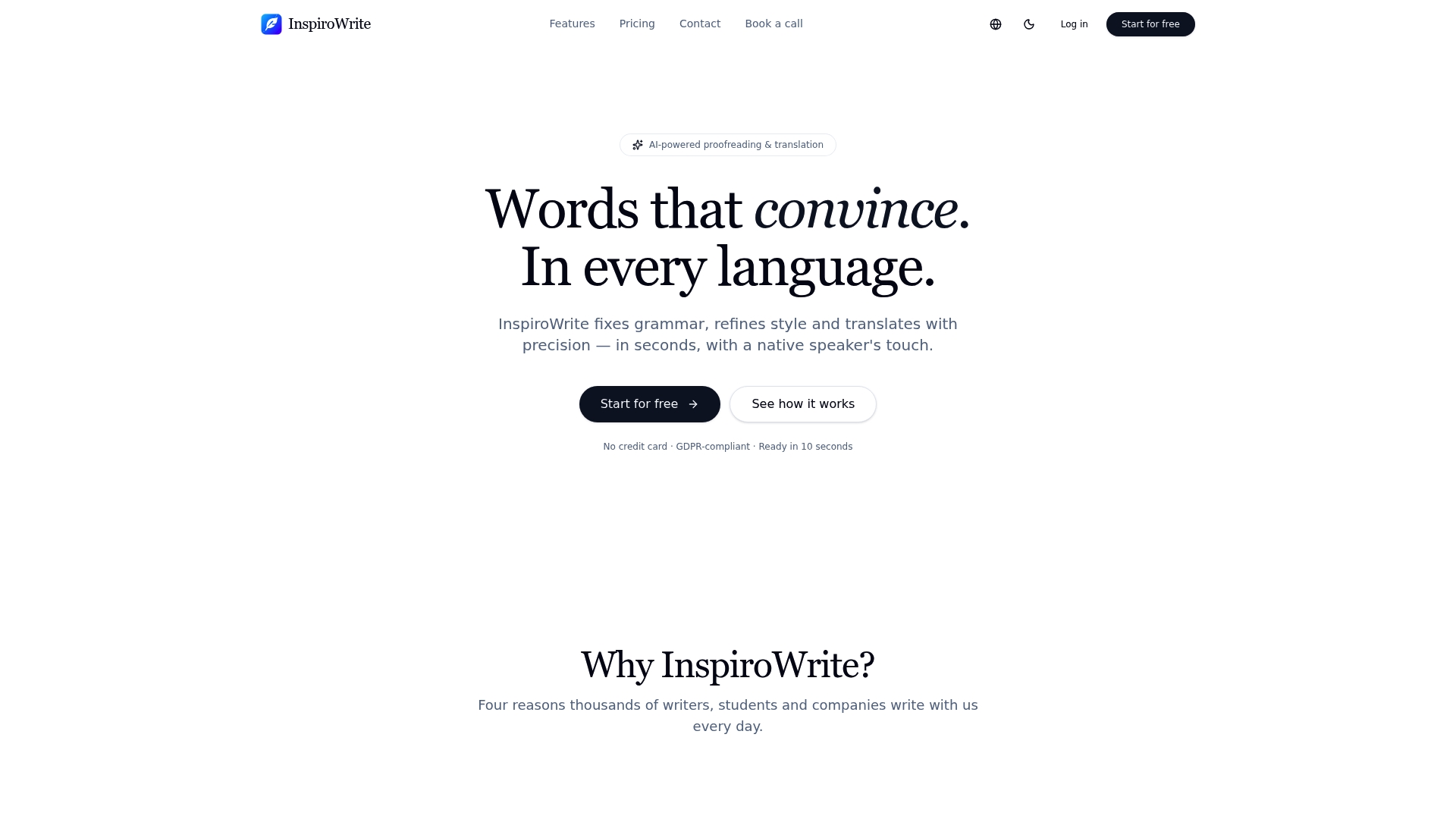
You get simplify, formalise, humanise, shorten and expand modes in one interface, instant results, and file export so a rewritten document goes straight from tool to inbox. The free plan lets you test the modes on real sentences before deciding whether to upgrade. Head to the Inspirowrite landing page and run your next tricky sentence through it, you'll have three usable alternatives before your coffee's gone cold.
Sources
For a deeper look at the pedagogical value of comparing AI-generated alternatives, Semantic Scholar's semantic reader is a solid academic starting point. To see how rewrite functions get embedded into a full writing workflow rather than used as a standalone tool, NovelWithAI is a useful example. For grammar fundamentals that make any rewrite easier to judge, see this student's guide to English grammar rules.
- Semantic Scholar — semantic reader
FAQ
Is it free to rewrite sentences with AI?
Most tools, including Inspirowrite, offer a free plan with limited daily use, with paid plans unlocking higher volume and extra modes.
Will an AI rewriter change what my sentence means?
It can, especially with aggressive simplify or shorten settings, which is why checking names, numbers and technical terms against the original is a required step, not optional.
Is rewriting with AI the same as plagiarism?
No, a rewrite that changes the wording while preserving your original idea is paraphrasing, not plagiarism, though you should still run a plagiarism check on academic or published work.
Can I use a sentence rewriter to learn a language?
Yes, comparing your original sentence against several AI alternatives is a recognised way to study grammar patterns and vocabulary choices as a non-native speaker.
Does Inspirowrite store the text I rewrite?
No, Inspirowrite's privacy-focused processing means your drafts are not used to train its AI models, which matters for confidential or unpublished work.