

TL;DR:
- A cross-language presentation proofreading checklist ensures accuracy, cultural appropriateness, and proper formatting before presenting. Focusing on high-impact slides and addressing idioms and technical details improves clarity and audience trust in multilingual decks. Incorporating early review workflows prevents layout and translation errors, making presentations more credible and effective.
A cross-language presentation proofreading checklist is a structured review process that verifies every element of a multilingual deck is accurate, culturally appropriate, and technically consistent before you present. Presentation localisation goes well beyond translation. It covers layout integrity, cultural adaptation, and number formatting, all of which affect whether your audience understands and trusts your message. This checklist draws on 2026 industry best practices for multilingual and bilingual presentations, giving professionals and students a repeatable system that catches errors before they cost you credibility.

1. What belongs on your cross-language presentation proofreading checklist?
A complete bilingual presentation checklist covers three distinct layers: linguistic accuracy, cultural fit, and technical formatting. Most presenters only check the first layer. That gap is where errors survive to the final slide deck.
Linguistic accuracy means verifying that translated text conveys the same meaning as the source, not just the same words. Cultural fit means confirming that imagery, colour choices, and phrasing are appropriate for the target audience. Technical formatting means checking that numbers, dates, currencies, and layout all follow the conventions of the target locale.
Presentation localisation is not just translation but full adaptation of layout, tone, and cultural fit. That distinction matters because a deck that reads correctly but looks wrong still undermines your authority. Treating all three layers as non-negotiable is what separates a polished multilingual deck from a merely translated one.
2. Which slides should you prioritise first?
A repeatable localisation workflow begins by identifying high-impact slides and reviewing those before scanning for technical layout issues. Not all slides carry equal weight. Errors on a title slide or a call-to-action slide do far more damage than a formatting inconsistency on a data appendix.
Prioritise these slides in this order:
- Title slide: First impression, brand name spelling, and subtitle accuracy
- Problem slide: The audience must immediately understand the pain point you are addressing
- Solution slide: Clarity here determines whether your argument lands
- Proof slide: Statistics, case studies, and testimonials must be correctly localised
- Call-to-action slide: Any error here directly reduces response rates
Pro Tip: Run your first proofreading pass exclusively on these five slide types before touching anything else. You will catch the highest-risk errors in the shortest time.
Teams benefit more from repeatable QA workflows than from simply adding more translation effort. A structured pass through high-impact slides gives you a reliable quality floor on every deck you produce.
3. How to ensure linguistic and cultural accuracy
Linguistic and cultural accuracy requires more than a grammar check. It requires a deliberate audit of every phrase that could confuse, offend, or mislead a cross-language audience.
Follow these steps in sequence:
- Run an idiom audit. Idioms and business jargon confuse multilingual audiences and must be replaced with literal equivalents. Phrases like "hit the ground running" or "low-hanging fruit" have no reliable translation and should be cut entirely.
- Check for jargon. Industry-specific terms that are obvious to native speakers may be opaque to others. Review your business jargon choices against the target audience's familiarity level.
- Adapt imagery and icons. Cultural intelligence in multilingual design requires adapting imagery, icons, and colours to avoid cultural insensitivity. A thumbs-up icon, for example, carries negative connotations in parts of the Middle East and West Africa.
- Build and use a glossary. Consistent terminology across all slides prevents confusion. A shared glossary ensures that the same concept is always expressed the same way, regardless of which translator or editor touched a given slide.
- Verify tone consistency. Formal registers in one language do not always map to formal registers in another. Check that the translated tone matches the formality level expected by the target audience.
Pro Tip: Paste your entire script into a plain text document and search for common English idioms before translation begins. Removing them at source is faster than correcting mistranslations later.
4. Technical proofreading: formatting, layout, and localisation
Technical errors are the most overlooked category in multilingual presentation proofreading. They are also the most visible to an informed audience.
Numbers, dates, and currencies
Numbers, dates, and currency must follow target locale conventions, never source habits. A date written as 04/05/2026 means 4 May in the UK and 5 April in the United States. A price written as $1,200.50 needs to become £1,200.50 or €1.200,50 depending on your target market.
Check these formatting elements on every slide:
- Decimal separators (period vs. comma by locale)
- Thousands separators (comma vs. period vs. space)
- Date formats (DD/MM/YYYY vs. MM/DD/YYYY vs. YYYY-MM-DD)
- Currency symbols and their position (before or after the figure)
- Units of measurement (metric vs. imperial)
Placeholders and variables
All tags, placeholders, and variables must remain intact after translation. A placeholder like {first_name} or [COMPANY] that gets accidentally translated or deleted breaks any automated personalisation in your deck.
Layout and text expansion
Text expansion of 20–30% is common in translation, and it causes layout breakage when slide designs use fixed text boxes. German and Finnish translations of English text, for example, regularly run 30% longer. Build your layouts with flexible slide grids that accommodate longer translated text without manual resizing on every slide.
| Layout risk | What to check |
|---|---|
| Text overflow | Does translated text spill outside its text box? |
| Font substitution | Has the target language required a different font that changes spacing? |
| Truncated headlines | Are slide titles cut off at the right margin? |
| Misaligned graphics | Have text boxes pushed images out of position? |
5. What are best practices for clarity and accessibility in multilingual slides?
Clarity and accessibility are not the same thing, but they reinforce each other. A slide that is visually clear is easier to process for non-native speakers. A slide that is linguistically accessible reduces cognitive load for everyone.
Apply these cross-language editing tips to every slide:
- Limit body text to under 30 words per slide. The 30-word ceiling is the single most effective way to keep slides accessible for international audiences. Non-native speakers need processing time, and dense text removes it.
- Write headlines as conclusions. Slide headlines that state conclusions directly outperform vague topic labels. "Revenue grew 14%" communicates a fact. "Asia-Pacific Revenue" communicates nothing on its own.
- Avoid complex sentence structures. Subordinate clauses and passive constructions are harder to translate accurately and harder to read quickly. Write in short, active sentences.
- Add a takeaway slide. A single summary slide at the end of each section reinforces key messages for audiences who may have struggled with any translated content.
- Provide post-presentation recaps. Recaps with glossaries and translated summaries support comprehension and retention after the live presentation ends. They also serve as a reliable record of what was communicated.
Success in multilingual presentations is measured by audience comprehension, not only textual accuracy. A deck that scores perfectly on grammar but loses the audience at slide three has failed its purpose.
Key takeaways
A complete cross-language proofreading process covers linguistic accuracy, cultural adaptation, and technical formatting, and all three layers must pass review before a multilingual deck is ready to present.
| Point | Details |
|---|---|
| Prioritise high-impact slides | Review title, problem, solution, proof, and CTA slides before all others. |
| Run an idiom audit | Replace idioms and jargon with literal equivalents before translation begins. |
| Localise all technical formatting | Match numbers, dates, and currencies to target locale conventions on every slide. |
| Build flexible layouts | Use adaptable text boxes to prevent layout breakage from 20–30% text expansion. |
| Write headlines as conclusions | State the key finding in the headline so non-native speakers grasp the point immediately. |
Why the checklist matters more than the translation
The most common mistake I see professionals make is treating translation as the finish line. They send a deck to a translator, receive it back, and assume the job is done. The layout has broken on four slides, three idioms survived the process intact, and the date format still reads in the source locale convention. Nobody caught it because nobody had a checklist.
A translated deck only feels ready when it maintains the original's visual confidence and hierarchy, not merely literal accuracy. That is a standard most presenters do not hold themselves to, and it shows. Preflight QA and a human review of high-impact slides are what close that gap.
The other thing I have learned is that proofreading strategies for presentations work best when they are built into the workflow early, not bolted on at the end. If you wait until 48 hours before a presentation to run your bilingual presentation checklist, you will not have time to fix layout issues or commission corrected translations. Build the review into your production timeline at the draft stage. You will catch common translation errors when there is still time to address them properly.
The checklist is not bureaucracy. It is the difference between a deck that earns trust and one that quietly undermines it.
— Mike
Inspirowrite for multilingual presentation proofreading
Preparing a multilingual deck takes time, and the proofreading stage is where most of that time disappears. Inspirowrite provides AI-powered proofreading and translation support that returns results within seconds, covering grammar, style, and translation accuracy in one pass.
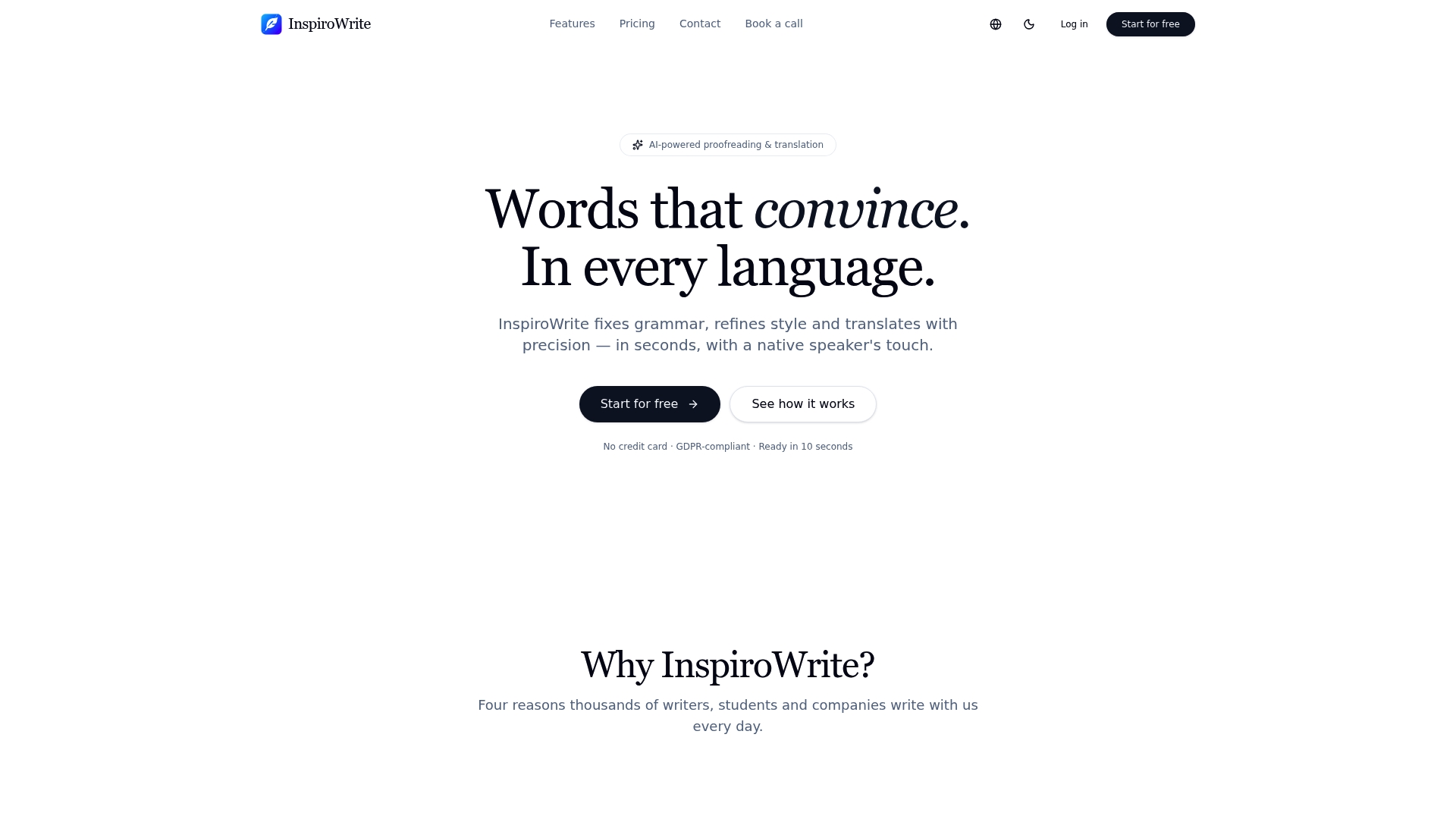
Inspirowrite keeps your content private and does not use it to train AI models, which matters when your presentation contains commercially sensitive data. Whether you are a student preparing a bilingual thesis defence or a professional presenting to an international client, Inspirowrite's proofreading tools give you a polished final deck without the wait. Visit Inspirowrite to see how quickly your next multilingual presentation can be ready.
FAQ
What is a cross-language presentation proofreading checklist?
A cross-language presentation proofreading checklist is a structured review process that verifies linguistic accuracy, cultural appropriateness, and technical formatting across all slides in a multilingual or bilingual deck.
Which slides need the most careful proofreading?
Title, problem, solution, proof, and call-to-action slides carry the highest risk. Errors on these slides have the greatest impact on audience comprehension and presenter credibility.
How do I handle text expansion in translated slides?
Build slide layouts with flexible text boxes rather than fixed sizes. Translation commonly produces 20–30% more text than the source, and fixed layouts break under that expansion.
Why should I replace idioms before translating a presentation?
Idioms rarely translate accurately and often confuse multilingual audiences. Replacing them with literal equivalents before translation begins prevents mistranslations and improves clarity across all language versions.
How do I check if my bilingual presentation is truly accessible?
Limit body text to under 30 words per slide, write headlines as direct conclusions, and provide a post-presentation recap with a glossary. These three steps cover the most common accessibility gaps for non-native speakers.